125
5.7.3 Maintenance
In this section, you will be able to search and view the system log, load default settings, upgrade the sys-
tem, export and import system parameters, and manager system auto reboot.
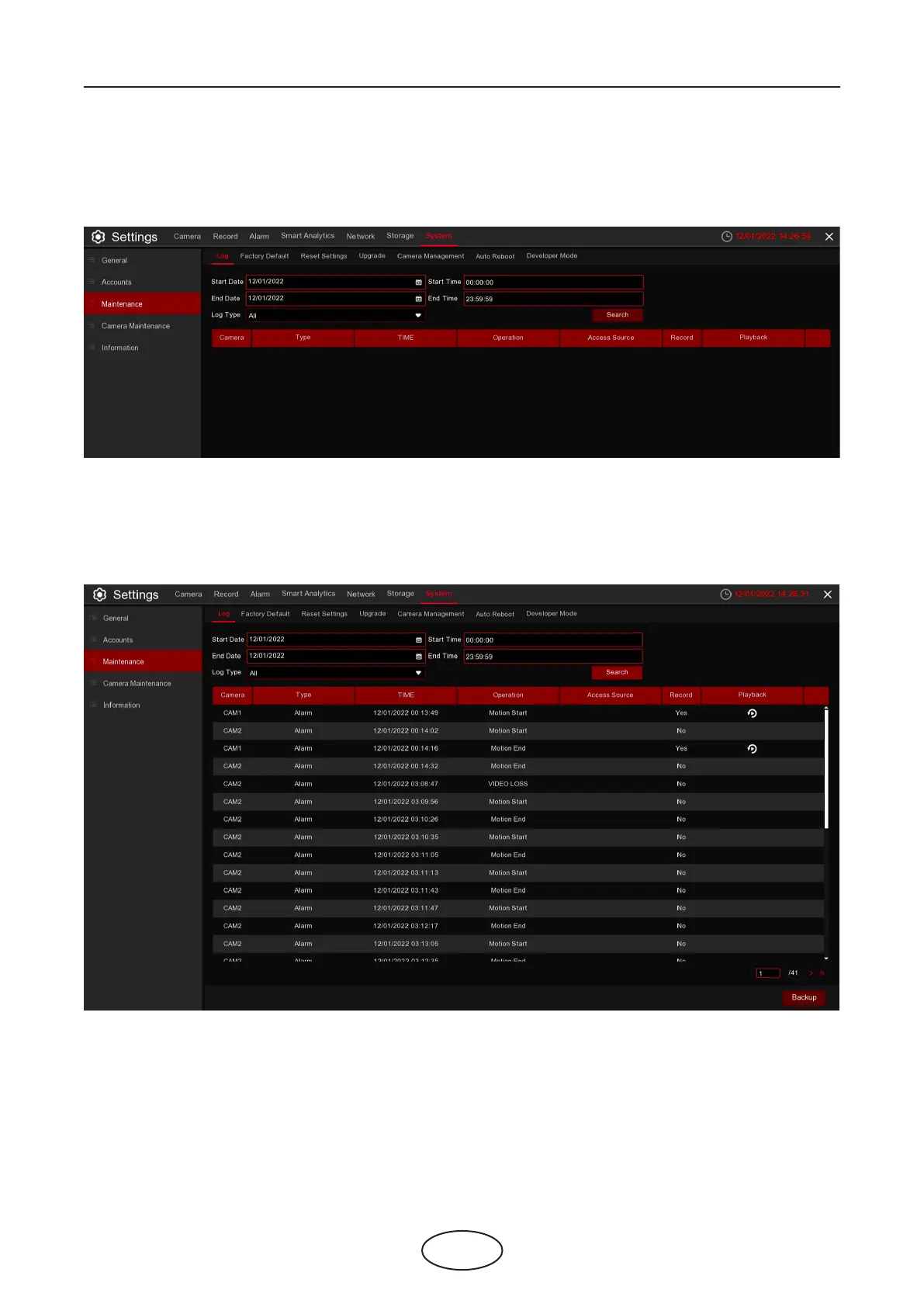
5.7.3.1 Log
The system log shows you important system events, such as motion alarms and system warnings. You can
easily create a backup le of the system log for a set time period to a USB ash drive.
5 NVR System Setup



 To Next Page