12
4.1.6 Disk
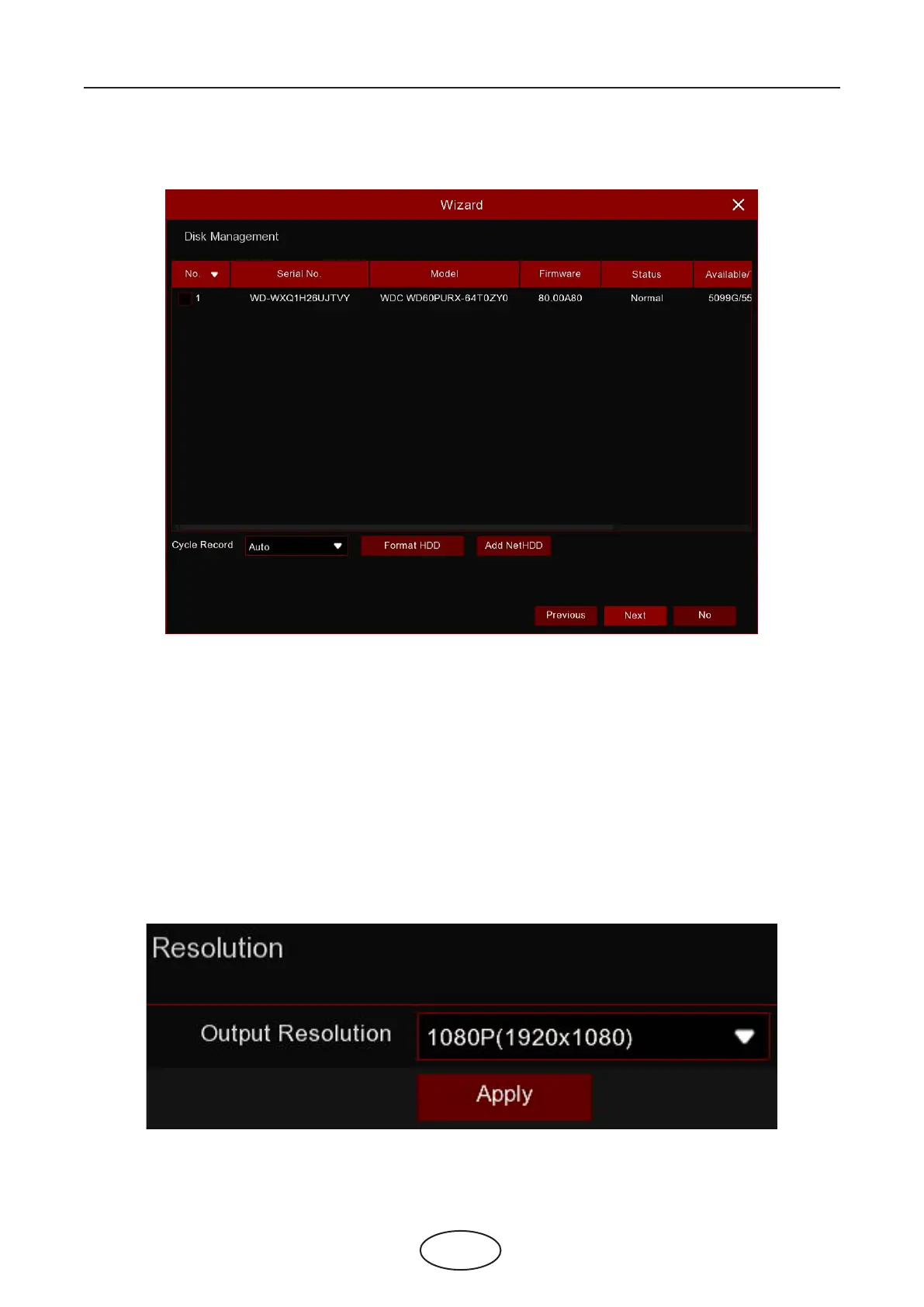
If an HDD is installed into the NVR for the rst time, it must be formatted. Select the HDD and then click the Format
HDD button to format the HDD.
Cycle Record: Use this option to overwrite old recordings on the HDD when the HDD is full. For example, if you choose
the option, "7 days," then only the last 7 days of recording are kept on the HDD. To prevent overwriting any old record-
ings, select Disable. If you have disabled this function, please check the HDD status regularly to make sure the HDD is
not full. -X
Add NetHDD: To add your NAS storage.
Record on e-SATA: If your NVR comes with an e-SATA port on the rear panel, you can enable it to record video to the
e-SATA HDD. -X
Choose an output resolution that matches to your monitor. The NVR supports adjusting the output resolution automat-
ically to match the best resolution of your monitor when the system is starting up.
4.1.7 Resolution
4 NVR Starting Up



 To Next Page