142
5. Set the SEQ Dwell Time in seconds which will decide how long each picture will stay in the screen.
6. Click Apply button to save your settings.
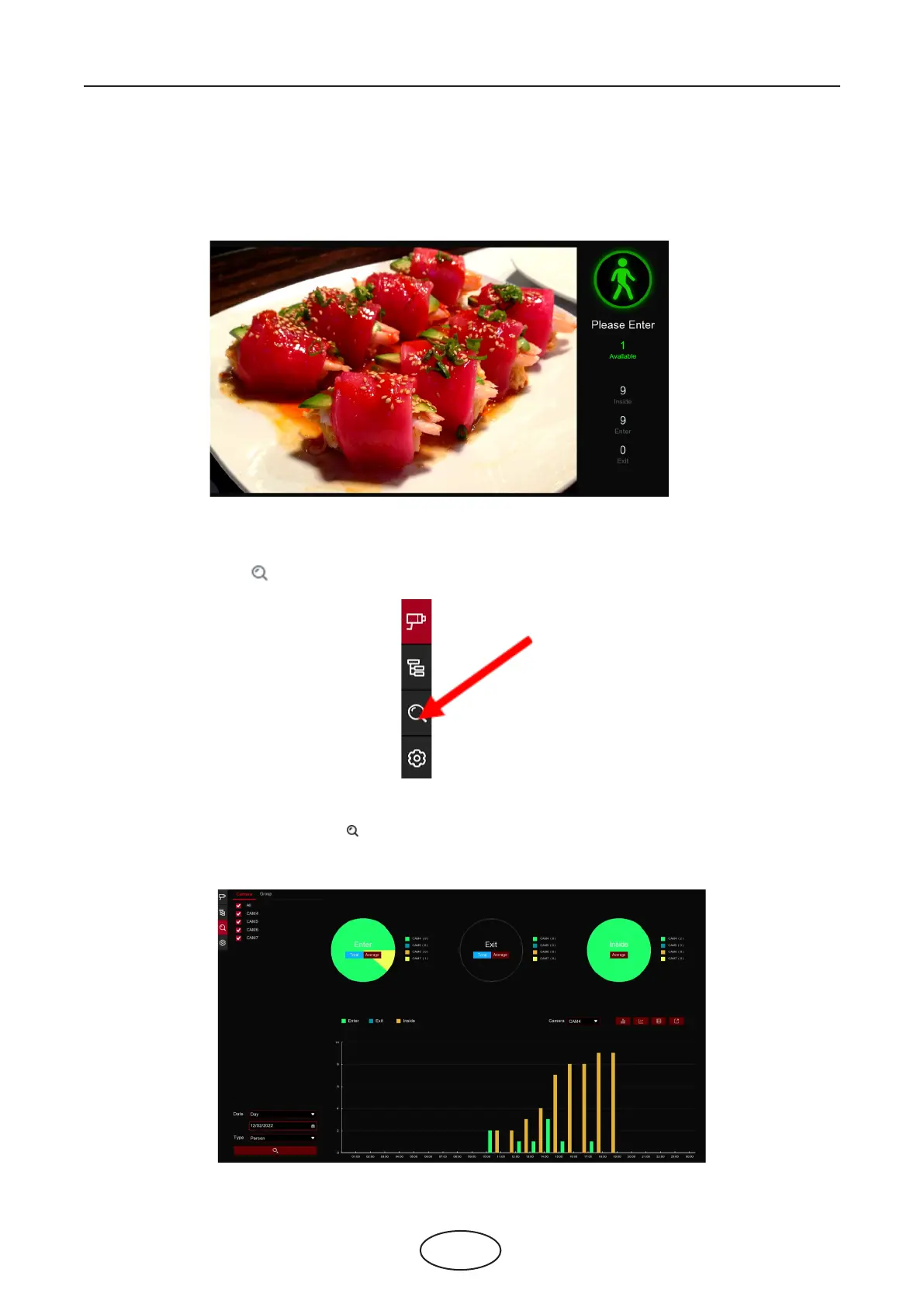
7. Go back to Channel View mode or Group View mode, click the full screen button on the right upper
corner to display your advertising pictures and the real-time counting data for the selected channel(s) or
group(s).
1. Click the Search icon to search the counting data.
2. It is allowed to search separately for Channels and Groups. Choose the channel(s) or group(s) you want
to search, set the search duration by day, by week, by month or by year and choose the target type you
want to search. Click the search icon , the result will be displayed on the right side of the window.
5.8.1.4 Search Counting Data
5 NVR System Setup



 To Next Page