27
5 NVR System Setup
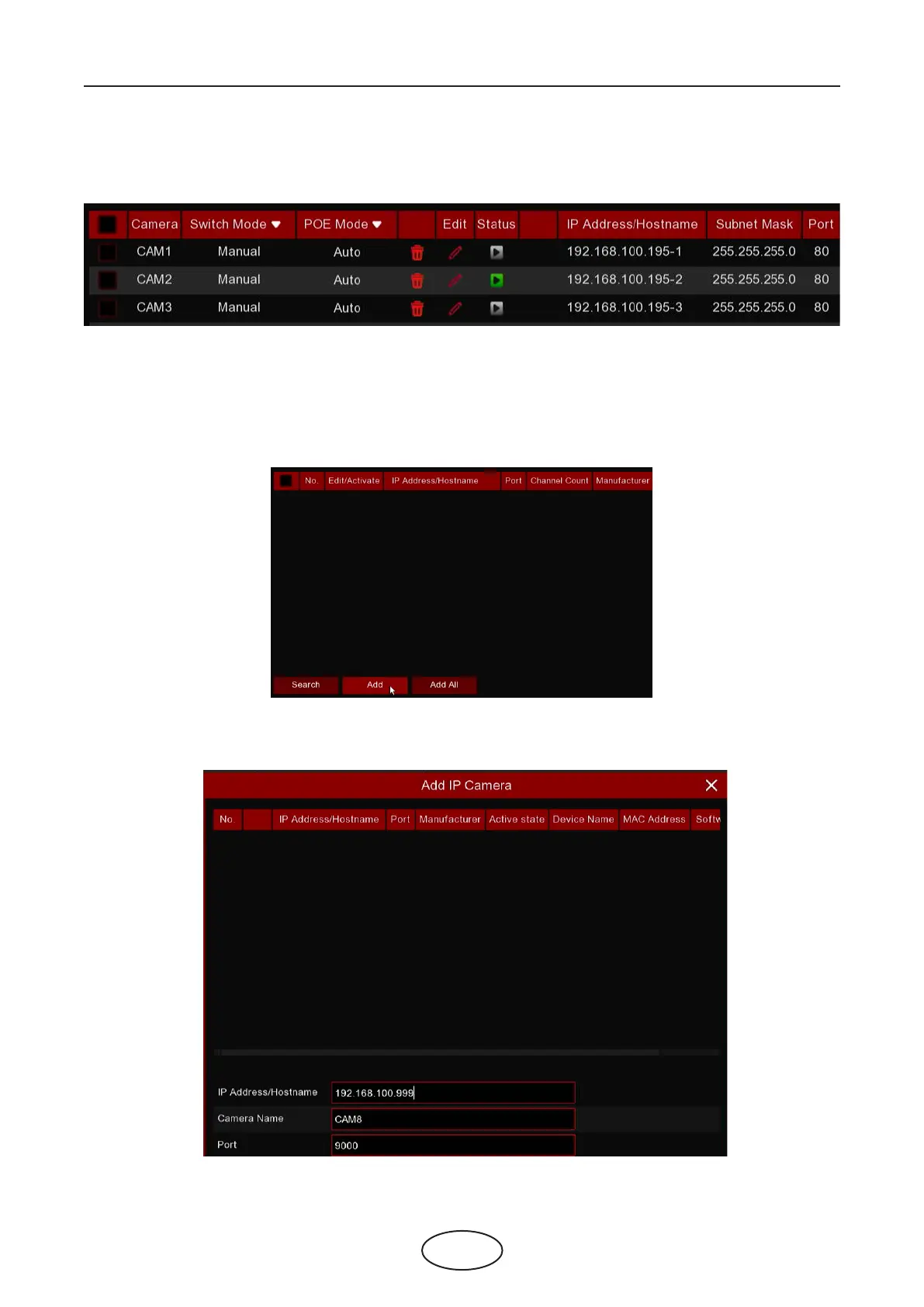
5. The added cameras will be displayed in the channel list.
5.1.1.6 Add Cameras from Internet
If your NVR is connected to internet, you’re able to add cameras from internet with WAN IP address.
1. Click Add button in the search page.
2. Input the IP address or domain name, port, protocol, user name & password of the IP camera. Click Add
button to add the camera.



 To Next Page