127
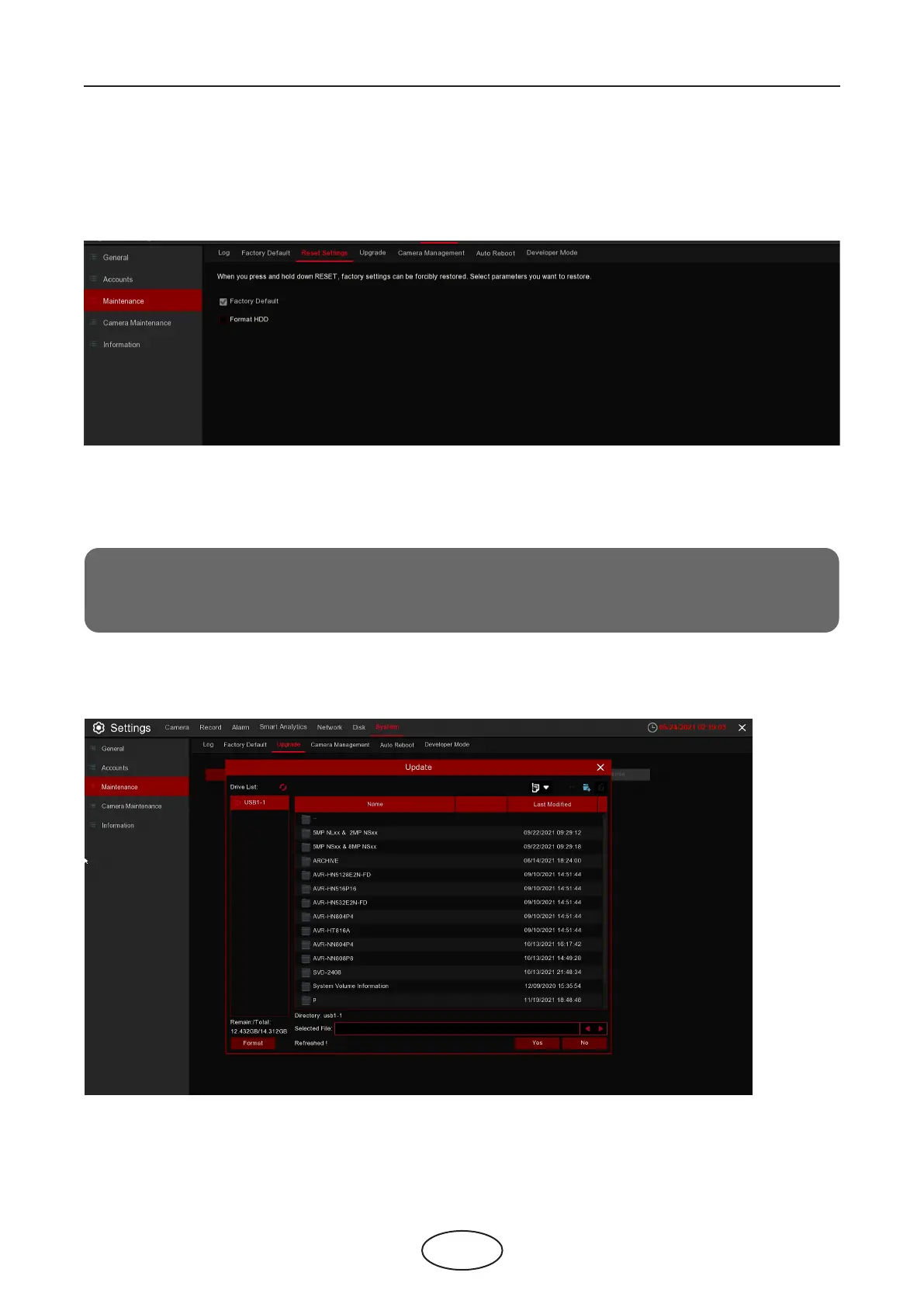
5.7.3.3 Reset Settings
5 NVR System Setup
If your NVR supports reset button on the rear panel, you can press and hold down the button to forcibly
reset to factory settings. You can select parameters you want to restore..
Factory Default: Checking this parameter will only factory reset the NVR.
Format HDD: Checking this parameter will only format HDD.
Note:
Checking both Factory Default and Format HDD will factory reset for both when the reset button
is hold down.
5.7.3.4 Upgrade



 To Next Page