156
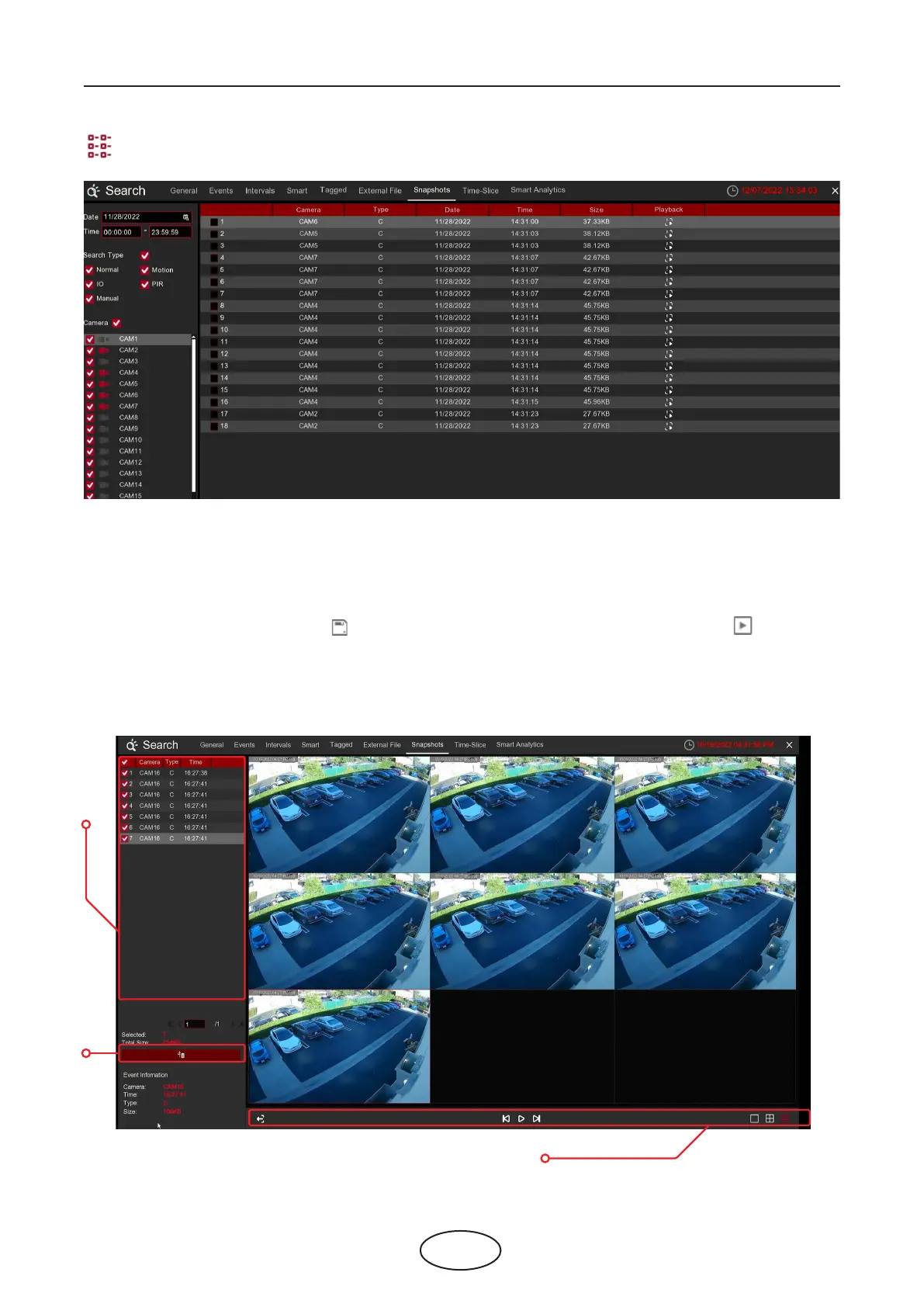
Detailed view: You can view the details of the events.
8. When you click the left button of your mouse upon one of the pictures, system will show the picture infor-
mation on the left bottom corner of the screen.
9. Check the box next the number of the event to select les, or check the box next Select to select all
pictures in the page.
10. The number of selected les, total size information will be displayed at the right bottom of the screen.
11. After selecting le, you can click button to save the pictures to USB ash drive. Or click button to
go into picture preview control window.
6 Search, Playback & Backup
1
2
3
6.1.7.1 Picture Preview Control



 To Next Page