59
Camera: Select the camera you want to congure.
Snap Mode: Snap mode,there are optimal mode<select the best quality picture push during the period
from vehicle license plate appears>,real-time mode<push once when license plate appears, push once
again when disappears>and interval mode<customized number of push sheets and time interval>.
Min pixel: Minimum recognition pixel box, the license plate must be greater than the set minimum pixel to
be recognized.
Max pixel: Maximum recognition pixel box, the license plate should be less than the set maximum pixel to
be recognized.
Sensitivity: Sensitivity, the larger the value, the easier to detect the target.
Detection Type: Detect type, there are two kinds of license plate.
European license plate:the European license plate,
American license plate: American license plate.
Detection Mode: License plate detection mode,there are two modes.
Static Mode: Check the static license plate in the picture
Motion Mode: Filter out the stationary vehicles and their license plates to detect only the license
plates in the dynamic process.
Detection Range: There are two areas for license plate detection as follows.
Full Screen: Full-screen detection,
Customize: Custom detection area.
Dynamic Marking: Tracking box.
5 NVR System Setup
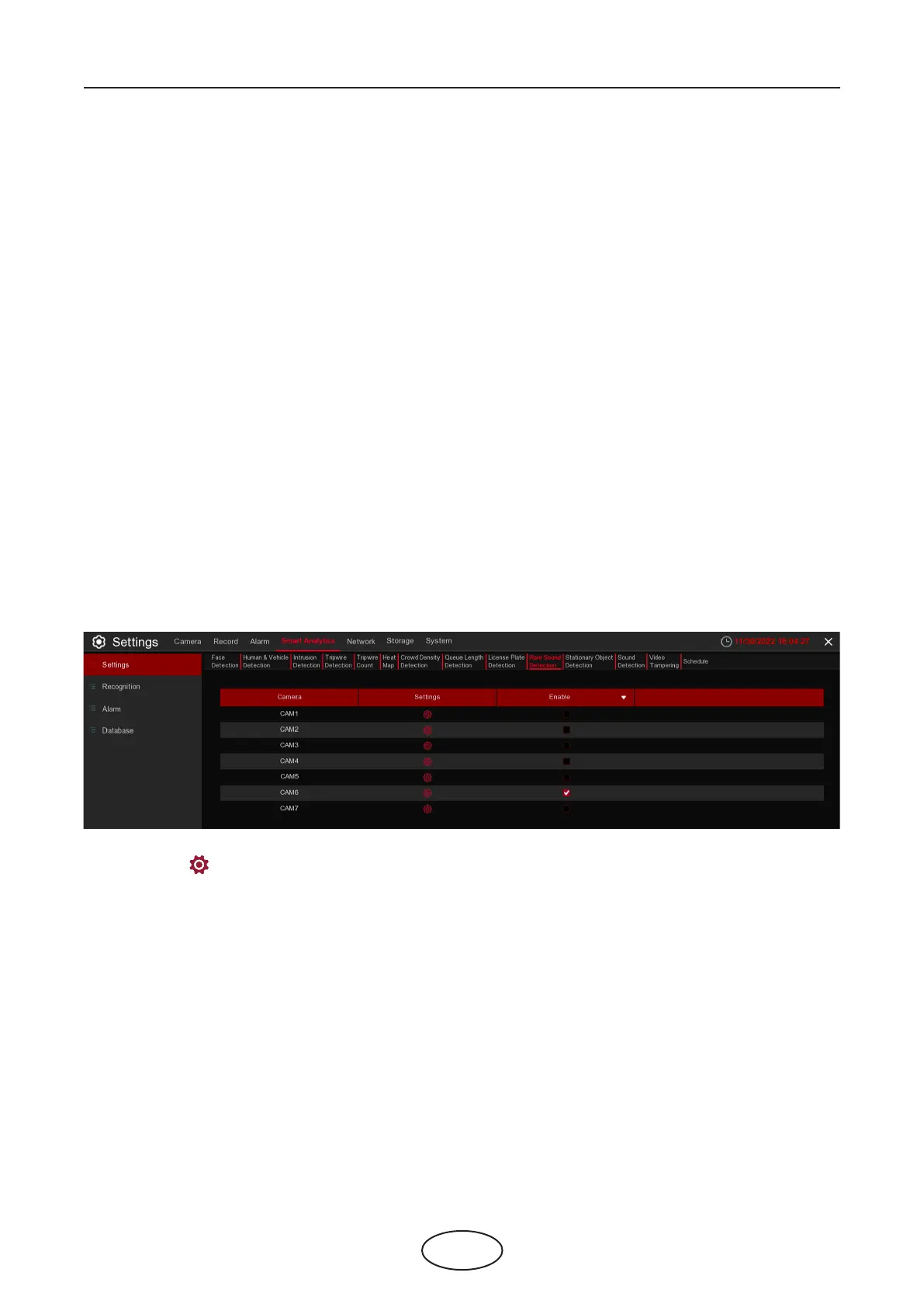
5.4.1.10 RSD (Rare Sound Detection)
Rare Sound Detection function only detects specic rare sounds such as baby crying, gun shots, and dog
barking. A series of actions can be taken when the alarm is triggered.
Settings: Click to enter setup page.
Enable: Enable or disable RSD function.



 To Next Page