91
5 NVR System Setup
5.4.4.3 TC (Tripwire Counting)
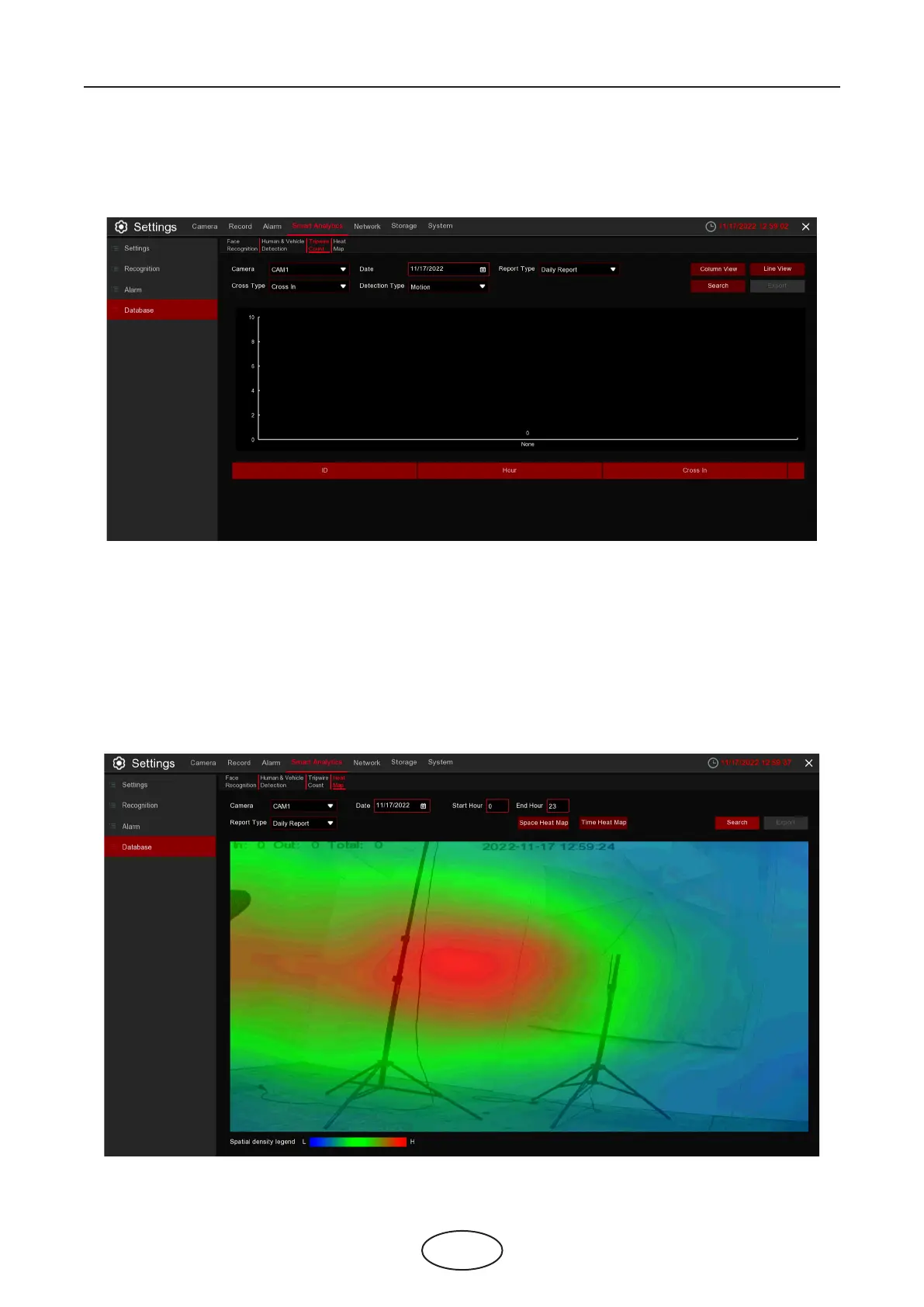
You can check the tripwire counting statistics in a certain period.
5.4.4.4 HM (Heat Map Statistics)
You can check the heat map statistics in a certain period.
1. Choose the camera & date.
2. Choose the Report Type: Daily, Weekly, Monthly or Annually.
3. Choose the Cross Type: Cross In or Cross Out.
4. Choose the Detection Type: Motion, Person or Vehicle.
5. Click Search button, the result will be displayed in either Column Chart or Line Chart.
6. Click Export button if you want to export the data to USB memory.



 To Next Page