113
5.5.6 Platform Access
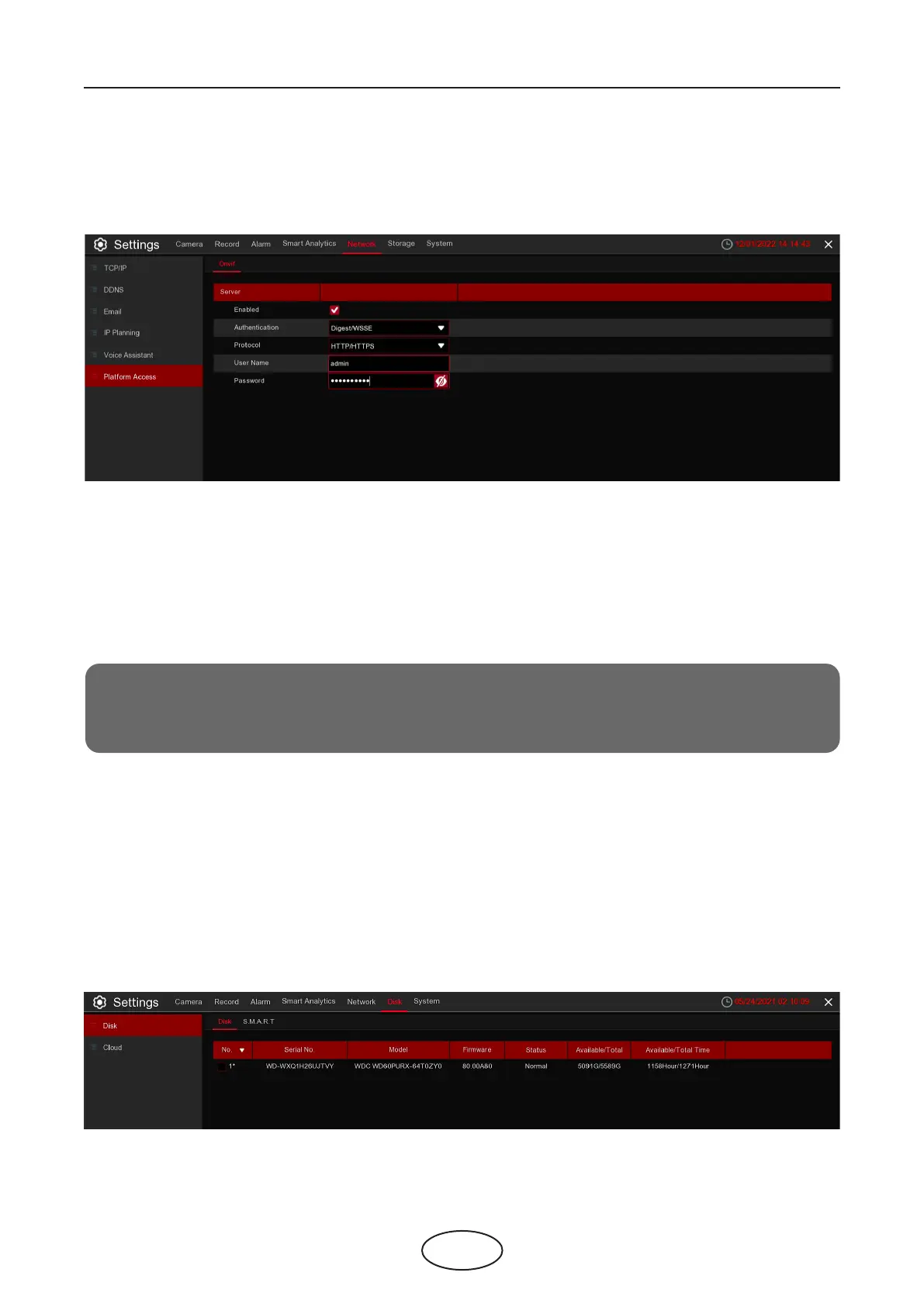
This function is mainly used to connect 3rd party platform, like ECMS/NVMS via Onvif protocol.
Enable: Check to enable this function.
Authentication: Login authentication type, options including Digest_sha256, Digest, Digest/WSSE, WSSE
and None. Choose one of them to match to your 3rd party platform.
Protocol: Choose http, https or both of them.
User Name: To set a user name for platform connection.
Password: To set a password for platform connection.
5 NVR System Setup
Note:
Only data from channel 1 can be transferred to the 3rd party.
5.6 Storage
In this section, you can congure the storage devices, including the internal HDD storage and external NAS
storage & cloud storage.
5.6.1 Disk
This menu allows you to check & congure the internal HDD(s). You need to format the HDD only on the rst
startup and when replacing an HDD.



 To Next Page