105
5 NVR System Setup
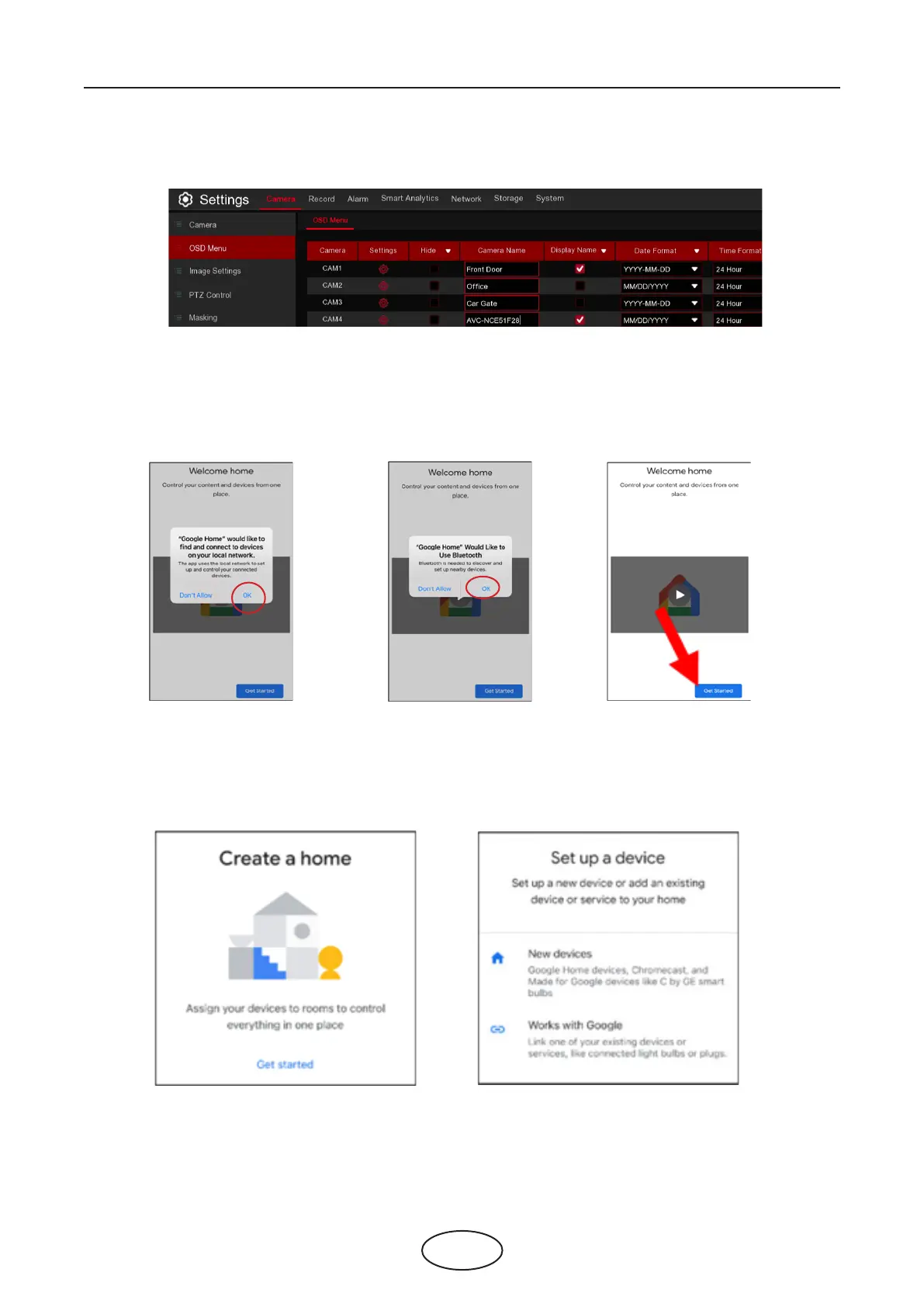
2. Go to Channel – Live menu, and give a Channel Name which is easy to call to the channel(s) you want to
cast to your TV monitor.
3. Connect the ChormeCast to your TV monitor, and power on it.
4. Search and install Google Home app to your mobile phone from app store. Run the installed Google
Home app, touch OK to allow the app to use your local network and Bluetooth and then touch Get Start-
ed.
5. To login your Google account which is same as the one you bind to the NVR.
6. Touch “Get Started” to create a home, and then touch “New devices”.



 To Next Page