153
6 Search, Playback & Backup
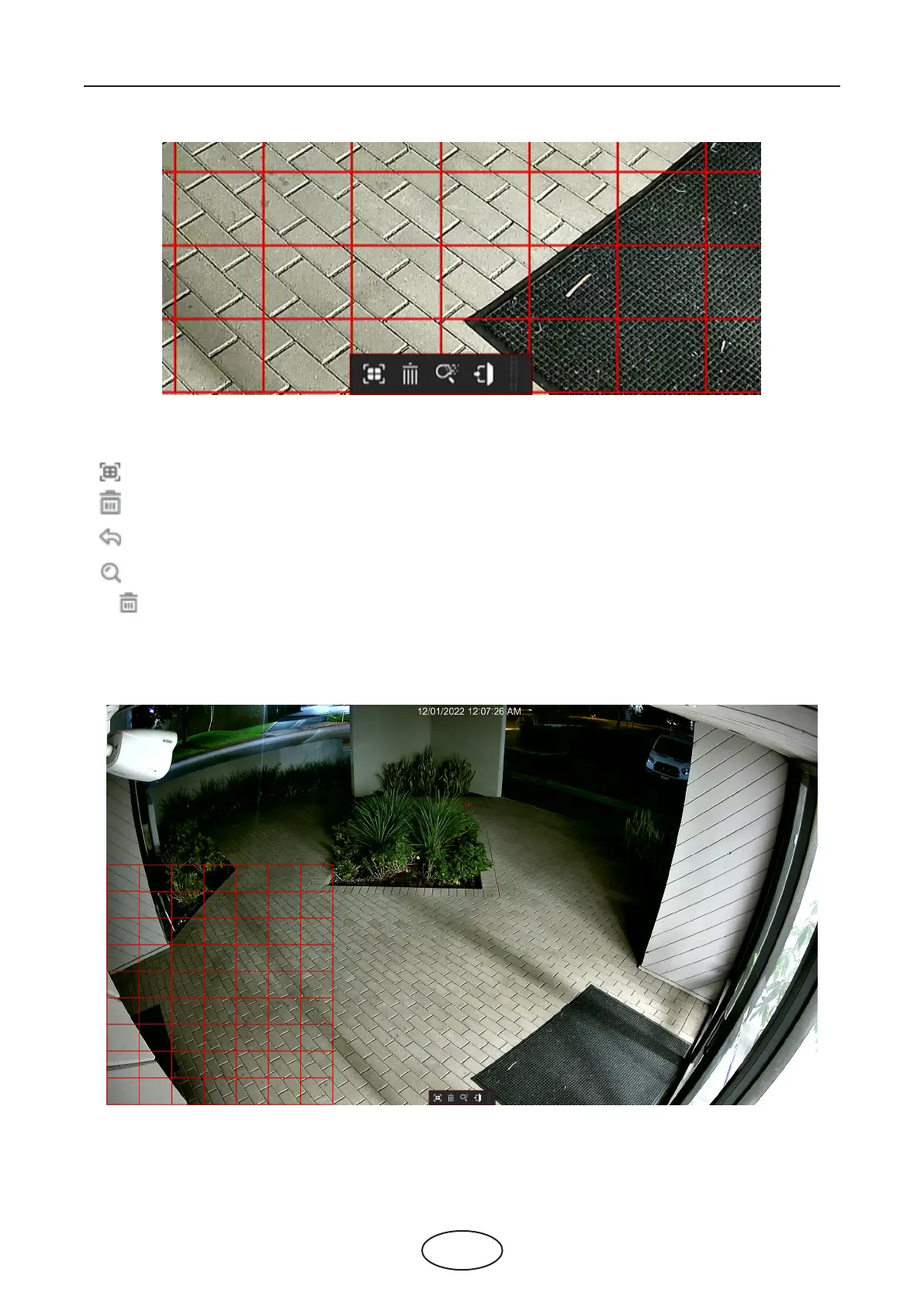
The selected aera will be marked with red grids.
: select whole image.
: clear your selection.
: go back to playback interface.
: search.
Click button to clear all selection, and then use your mouse to select the certain areas you want to
search in the image. Click button, the system will search the display the smart search result for the select-
ed areas.



 To Next Page