65
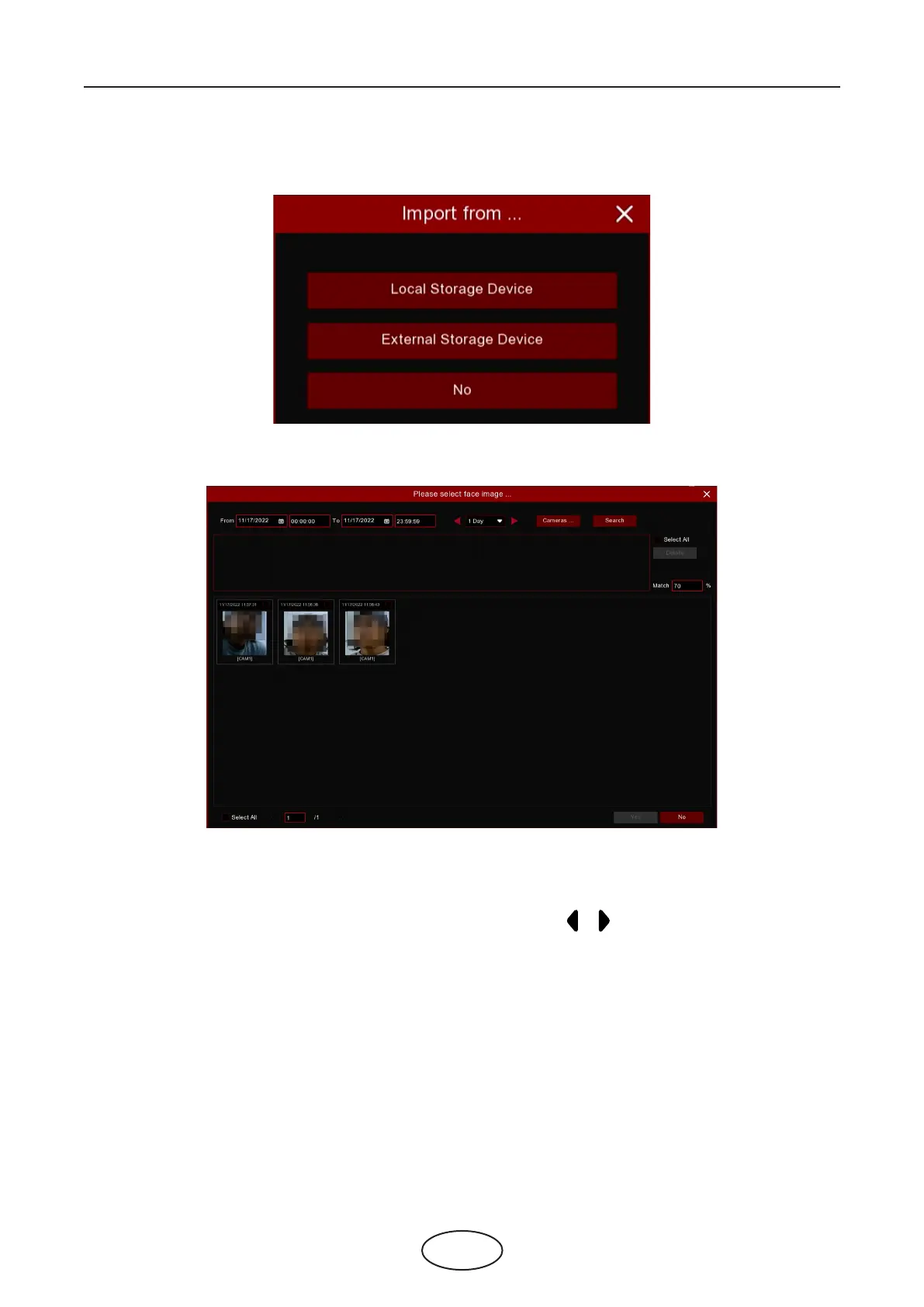
Import: Click the Import button to import face images. You’re able to import les from NVR local storage
and/or external storage.
Click Local Storage Device to import face images which were captured and saved in the NVR local HDD
storage.
5 NVR System Setup
1. Choose the start time and end time manually. Or you can select the time interval from 1 day, 2 days, 3
days, 4 days, 5 days, 6 days, 1 week and 1 month, and then click the or button to move to left or right
period.
2. Choose the channels you want to search.
3. Click Search button.
4. The result will be displayed in the bottom window.
5. Check the box upon the face images you want to add, or click Select All to add all images.
6. If you want to narrow the search result, you can choose one or multiplex images in the bottom window as
target face(s), and then set the Similarity value. Click Search again, the system will search and display the
faces which are similar with your target face(s).
7. Click OK to add images. You can edit the personal information for the faces you want to import.
8. Click Import button to import the face images.



 To Next Page