136
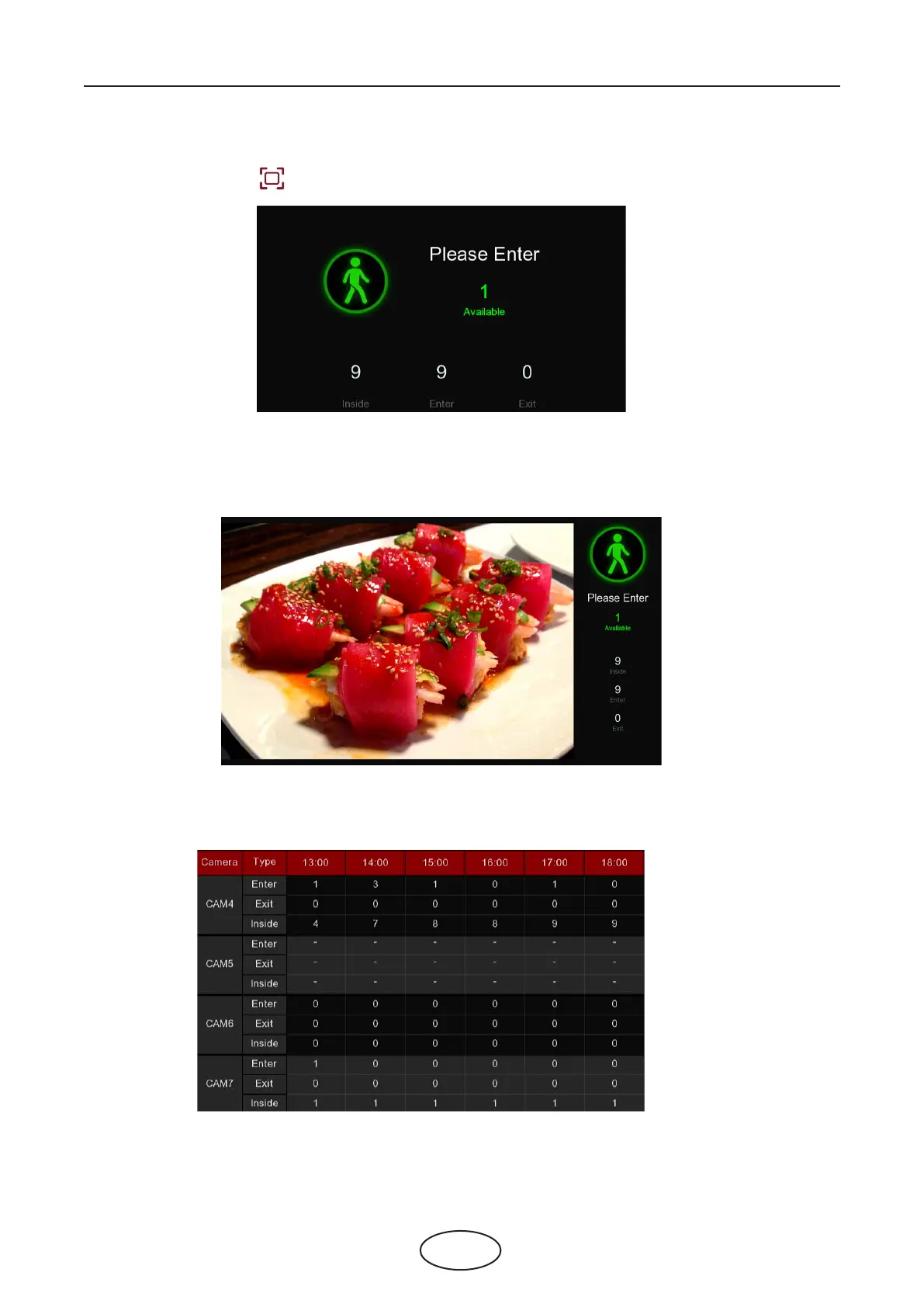
Click the full screen icon to display the real-time counting data for the selected channel(s) or group(s).
If you have enabled the Advertise Mode, your advertising pictures will be displayed with the real-time
counting data together in the full screen mode. Learn more for Advertise Mode on 5.8.1.3 Advise Mode.
Right click your mouse to exit the full screen mode.
The all-day counting statistical data of all activated channels will be displayed here. Use the mouse wheel
to move the timeline toward left or right.
5. Full Screen Button:
6. Statistic data chart:
5 NVR System Setup



 To Next Page