23
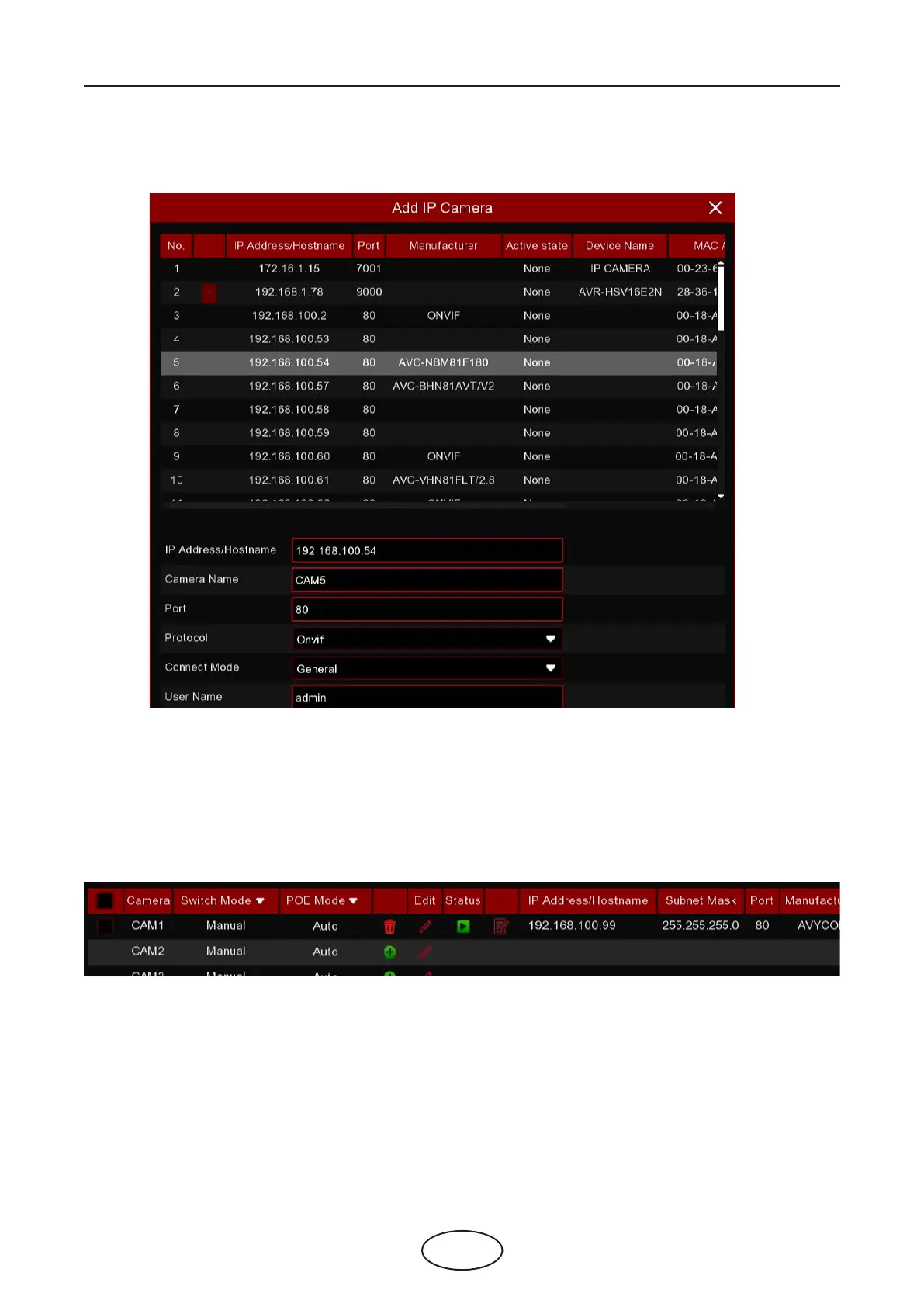
2. Select the camera you want to connect and then click Add button. Input the user name and password
of the camera and then click Add button.
Alias: To dene the camera ID you want to display in the live view screen.
Port: Camera communication port. Do not change the number if you’re not a professional.
Protocol: To select the connection protocol.
Bind channel: To determine which channel you want to add the camera.
5 NVR System Setup
3. The added camera will be displayed in the channel list.



 To Next Page