67
5 NVR System Setup
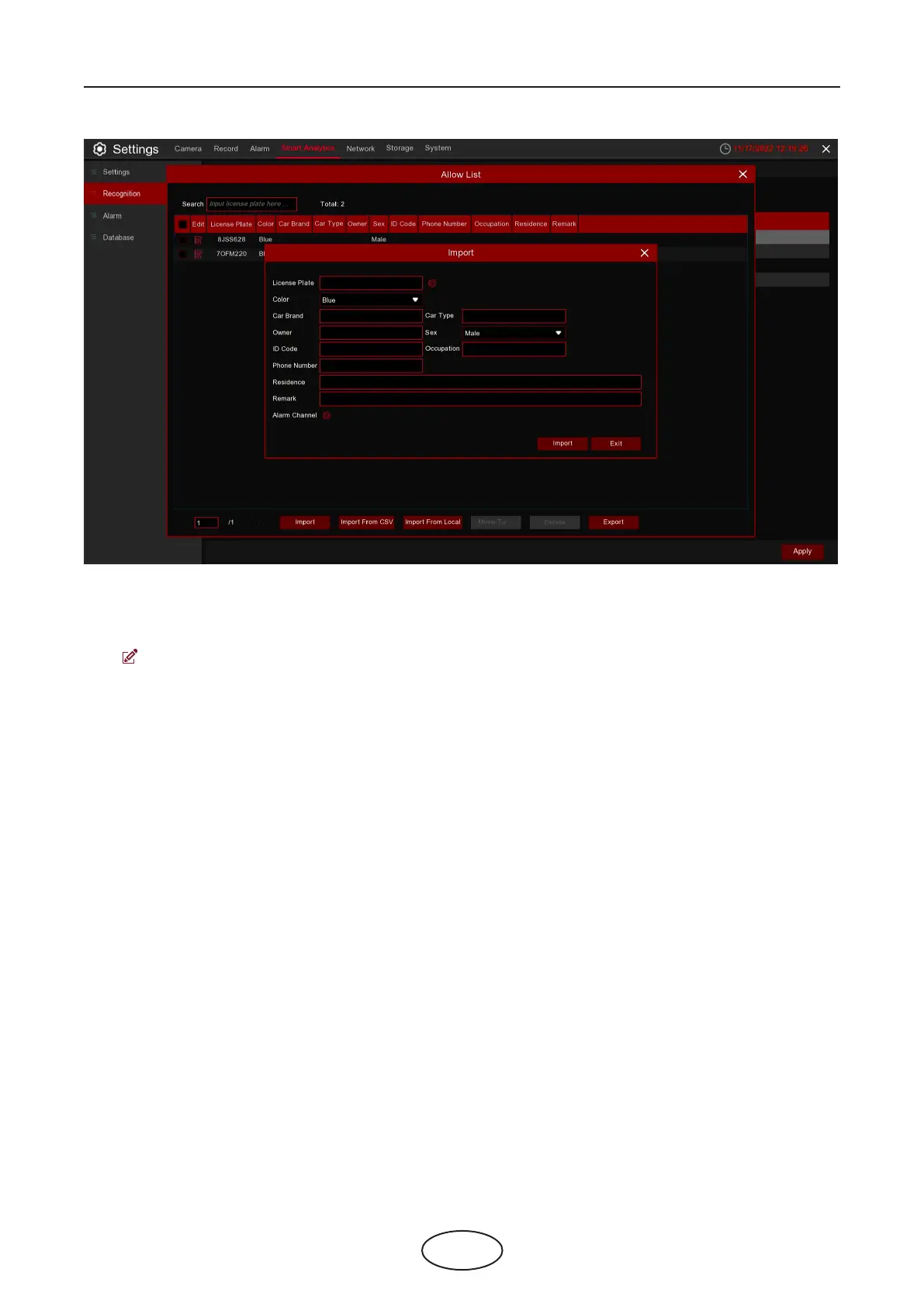
Search: ltering license according to keywords.
Total: Total number of license plate data in this group.
Click to modify the corresponding license plate data information.
There are three ways to add license plate information: Import (manually added), Import From CSV (CVS
table import), and Import From Local (local import).
Click Import button to manually add a single license plate information,
Click Export to export the entire group information to the external U disk.
Alarm Channel: Set the channel to alarm after the license plate is detected and successfully aligned.
Move to…: Check the re-check box of the license plate information and Click it again to transfer the li-
cense plate information to another group.
Delete: Check the re-check box of the license plate information and then Click this button to delete the
license plate information.
Click Import From CSV button to import one or more CVS pieces of data.



 To Next Page