69
5 NVR System Setup
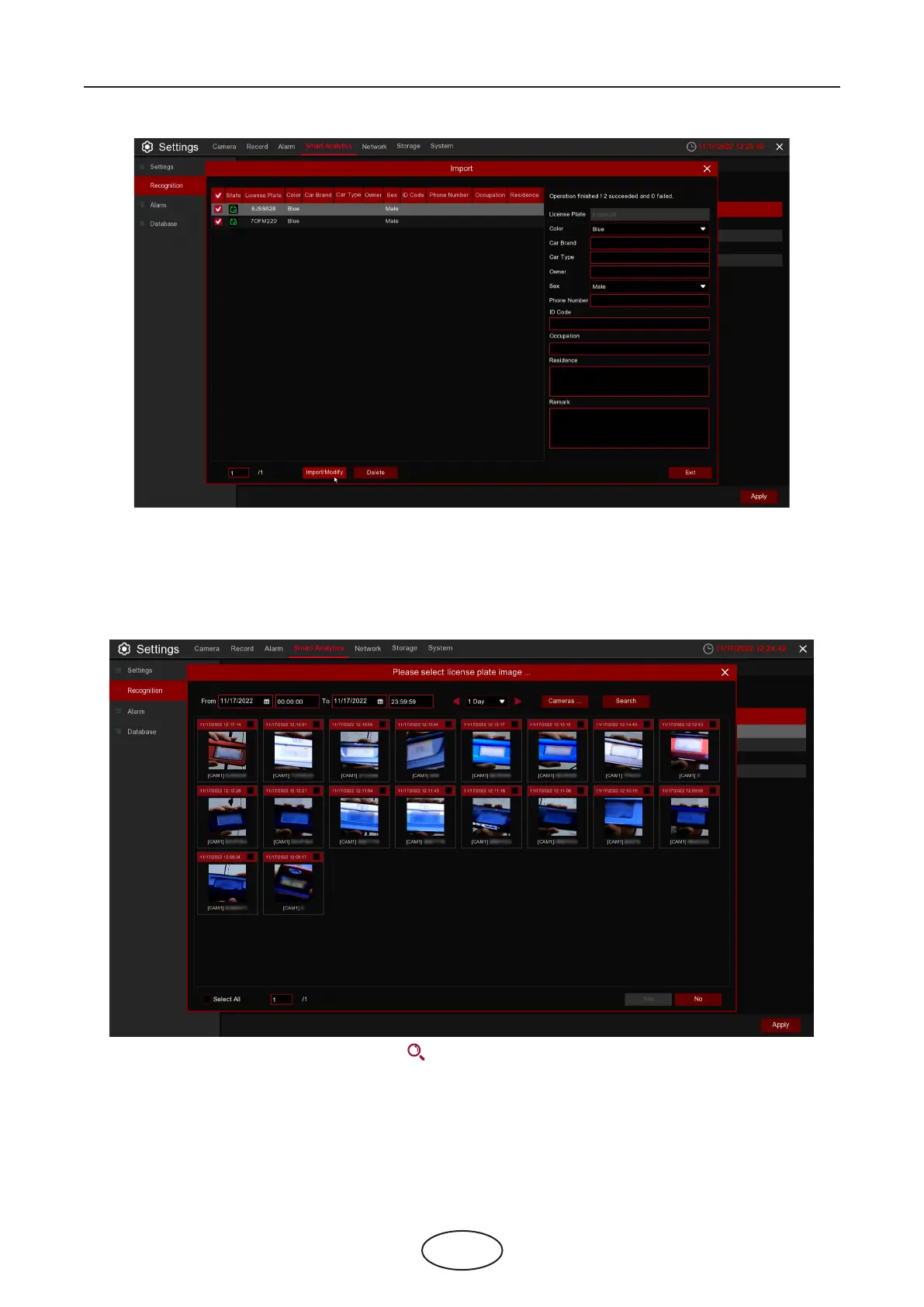
Click Import/Modify button to add a batch, and you can also modify one license plate information. When
more than 5000 data are added, the message box with the content of "Add data has reached the upper
limit of the group" will popup.
Click Import From Local button to import the license plate information locally to the database.
Select date,duration and channels then Click Search to search license plates saved by all devices
during this time.
Cameras: License plate detection events triggered by each camera.
Select All: Select all the license plate information.



 To Next Page