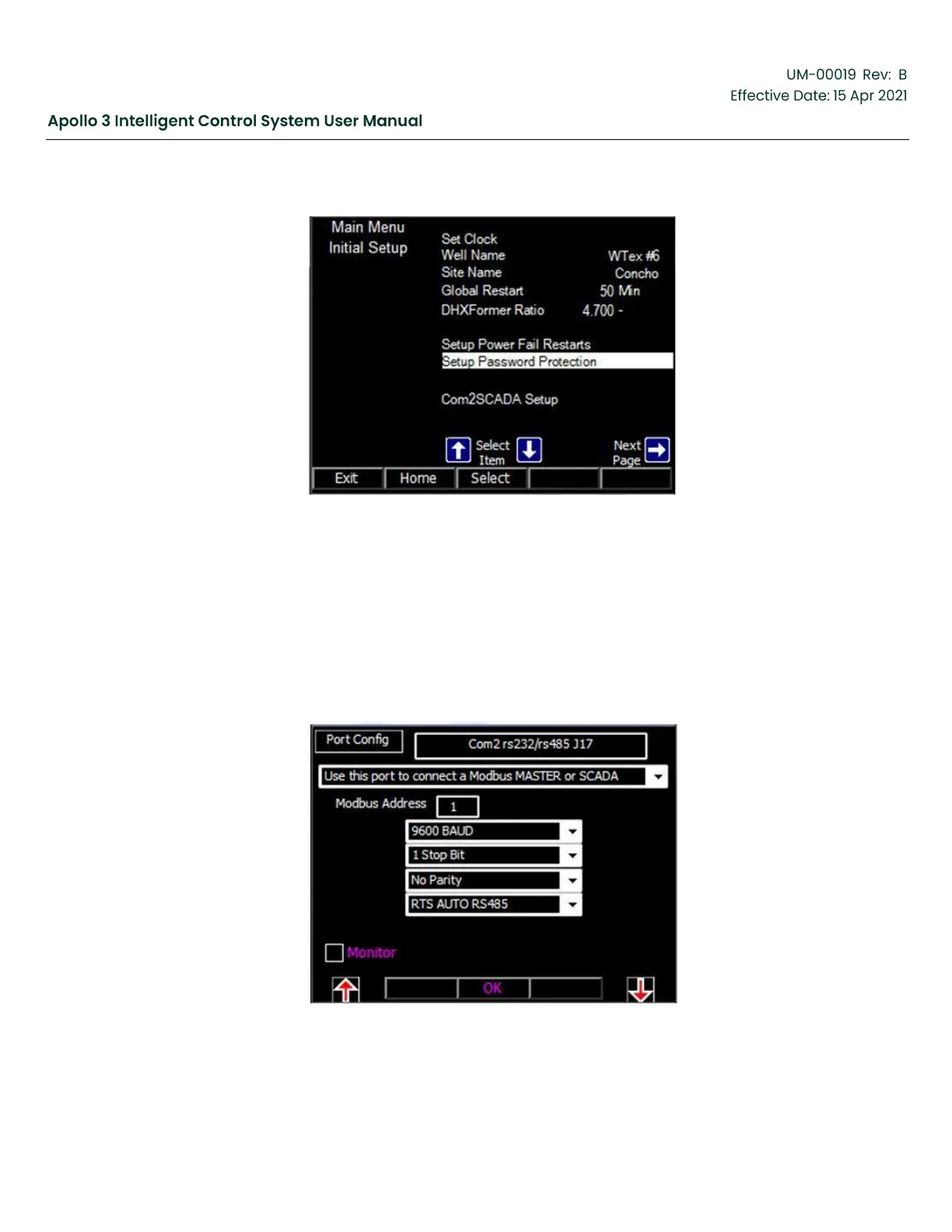
Figure 80: Other Initial Setup Menu
4.4.7
Setup Com2 SCADA
By default, communication port COM2 is set up for serial SCADA communication. Use the
Com2SCADA Setup screen to configure as needed. See the Vector Plus/Apollo Communication
manual, UM-00014,l for detailed information regarding communications.
Use the up and down arrow buttons as needed to highlight Com 2SCADA Setup. Press the
Select function button to activate the Com 2 SCADA Setup menu.
Figure 81: Com 2SCADA Setup Menu



 To Next Page