7.2
Installation and Learning
The latest release version of the Apollo Archive Viewer is available on the GE Support Central Drives
& Controls Support page (http://supportcentral.ge.com/products/sup_products.asp?prod_id=264489).
Download the latest version.
If a previous version of the archive viewer is already installed on your computer, please use the
Control Panel to remove it before installing a new version. Note that the Archive Viewer works with
all versions of Apollo Software 2.10 or greater.
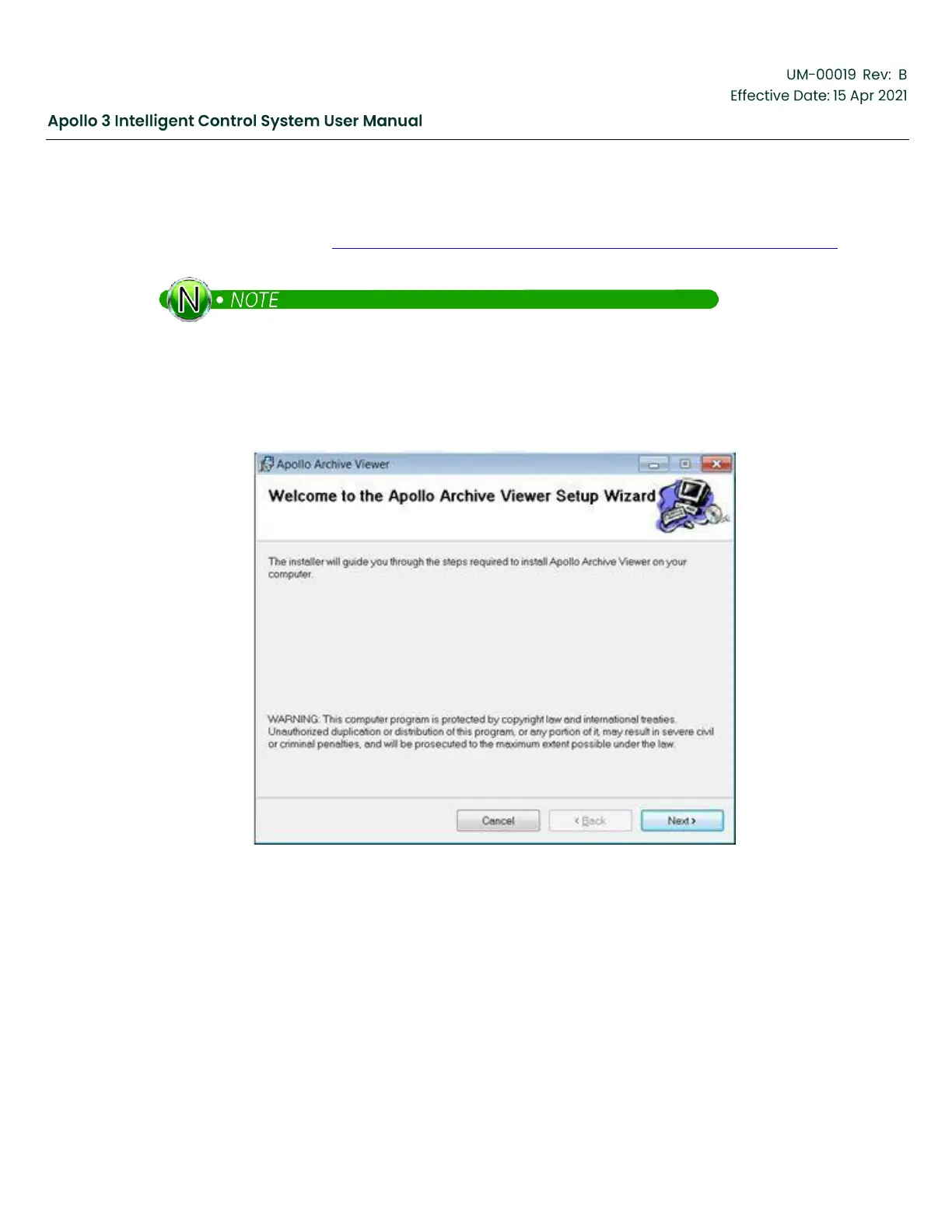
Double-click on the file Apollo Archive Viewer x.xx then double-click on “Apollo Archive Viewer.msi” to
begin the installation.
Figure 176: Apollo Archive Viewer
Follow the on-screen instructions. When installation is complete, a shortcut will be placed on your desktop.


 To Next Page