Copyright 2020 Baker Hughes Company. All rights reserved.
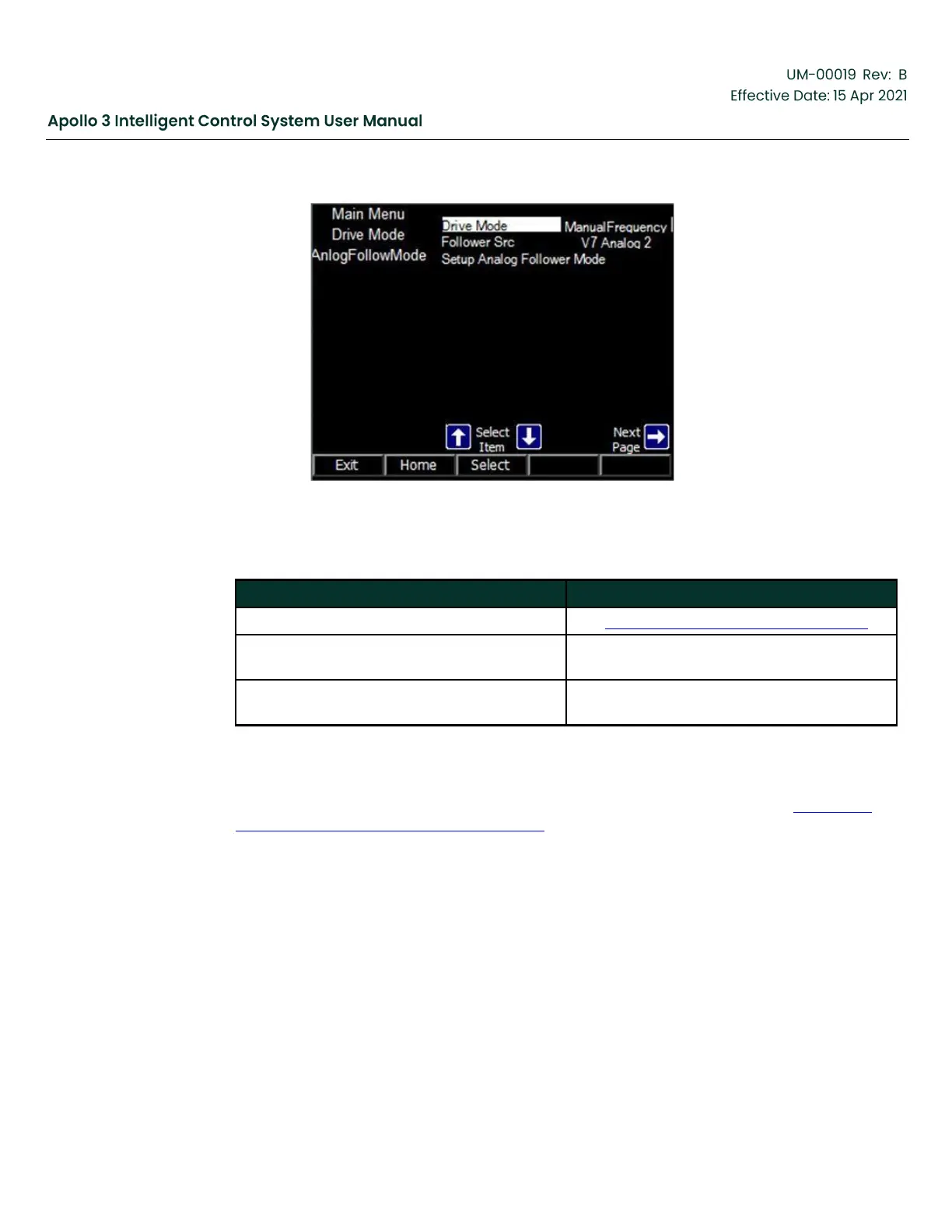
Figure 125: Analog Follower Mode Screen
Table 39: Analog Follow Mode Parameters
See Table 34: Drive Mode Menu, page 140.
Analog input that the drive speed should
follow.
Setup Analog Follower Mode
Runs a configuration wizard to walk the user
through setting up the Analog Follower mode.
The Analog Follower mode frequency is controlled by the Follower Source channel. Select the
Follower Src to access its Channel Info screen. Edit the channel to reflect the drive speed
required. For example, the screenshot below shows V7 Analog 2 set up to run the drive between
45 Hz (at 4mA input) and 70 Hz (at 20mA input). The channel value (57.25 Hz in Figure 126:
Follower Src Channel Info Screen, page 152 ) is the speed command to the drive.



 To Next Page