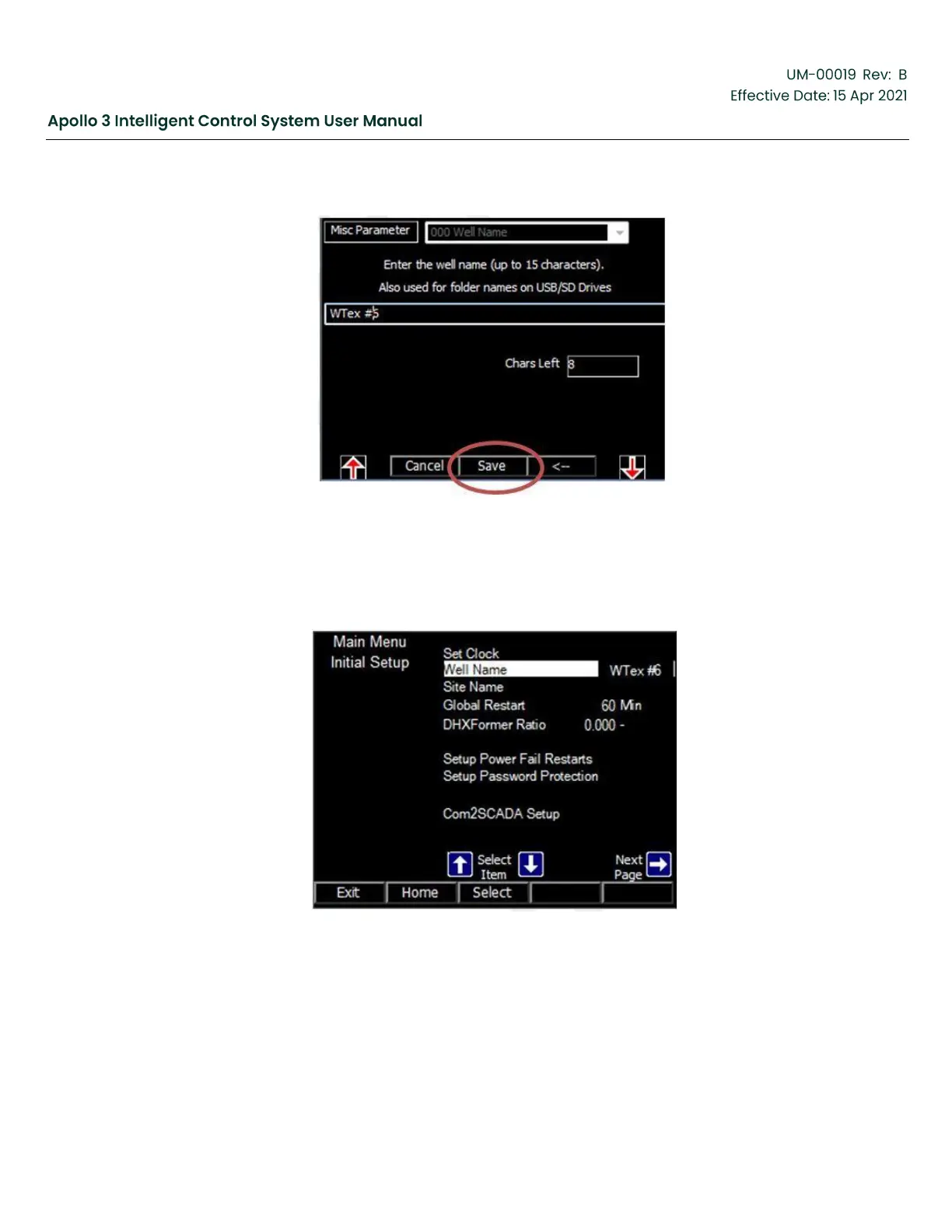
Figure 69: Set Well Name-Screen 2
Press the Save function button. Acknowledge the confirmation screen by pressing the Yes
function button. Press the Exit function button to return to the Other Initial Setup menu. The
Other Initial Setup menu screen now reflects the well name you entered.
Figure 70: Initial Setup Updated Well Name Screen
Repeat to set the Site Name. A Site Name is not required but can be used to group well data
from a specific field in one folder.



 To Next Page