•
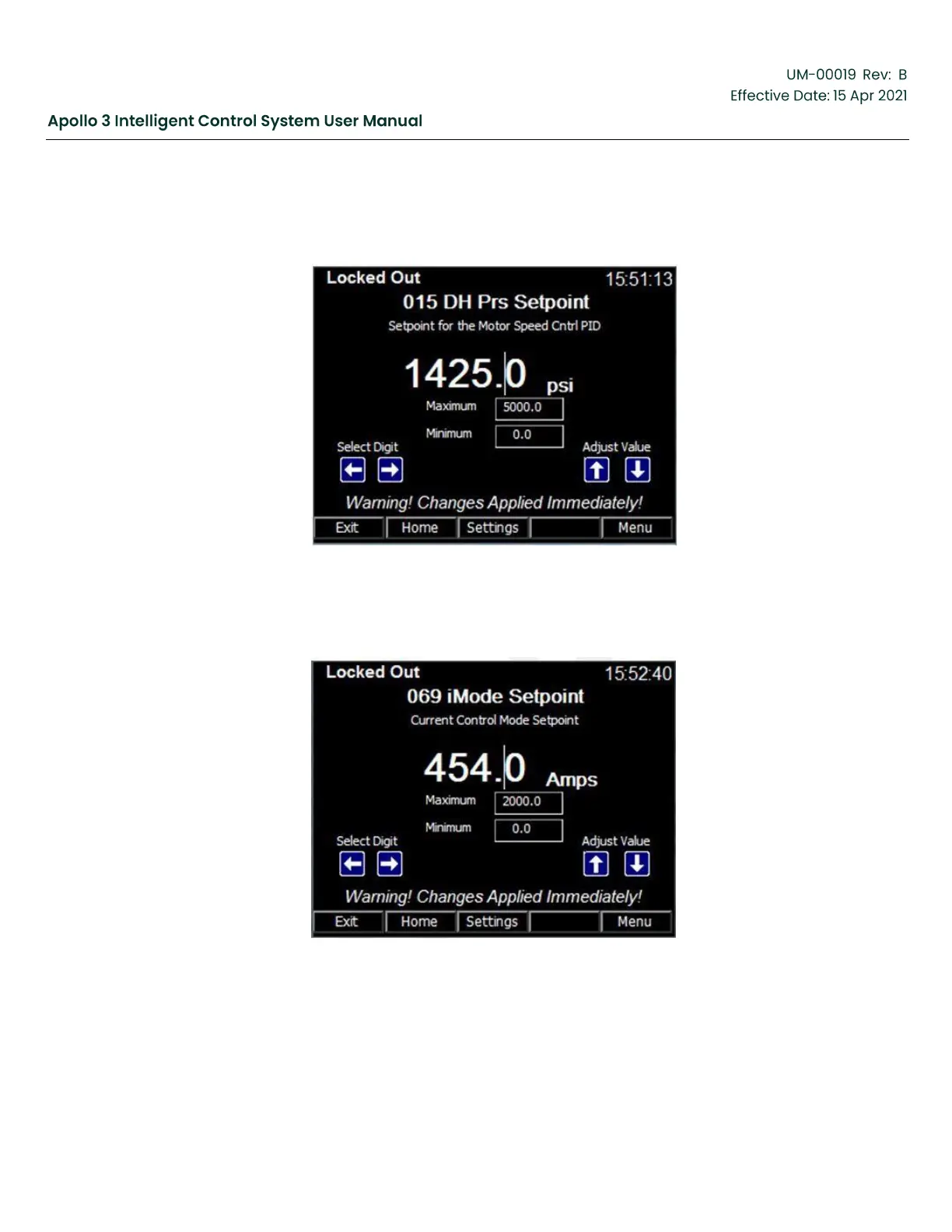
PID Speed Control Drive Mode: The PID setpoint will be displayed. By default, the
setpoint
is labelled "DHPrsSetpoint" (Downhole Pressure Setpoint). This label can be
given an
application specific name when the PID is configured.
Figure 41: Setpoint Screen (PID Speed Control Mode)
•
Current Control Drive Mode: The Drive Output Current setpoint (iMode Setpoint) will be
displayed.
Figure 42: Setpoint Screen (Current Control Mode)
•
Analog Follower Drive Mode: No setpoint is displayed. Instead, a notice is shown explaining
that the user cannot modify the drive speed in Analog Follower mode.



 To Next Page