Copyright 2020 Baker Hughes Company. All rights reserved.
System states are denoted by square brackets
[ ].
Trigger Activation Events
Triggers are activated whenever the system
detects a monitored system event. For
example, “U-Load PreTrig” and “Underload
Stop” are trigger activations in the screen shot
above. Underload Stop caused the drive to
stop at 16:24:52.
Some triggers also create an event when they
transition from SET to CLEAR. The “Vibration
Clear” event in the screenshot above is an
example.
Keypad Functions
F1: “Exit” - Exits the settings screen.
F2: “Home” - Closes the current screen and displays the Home screen.
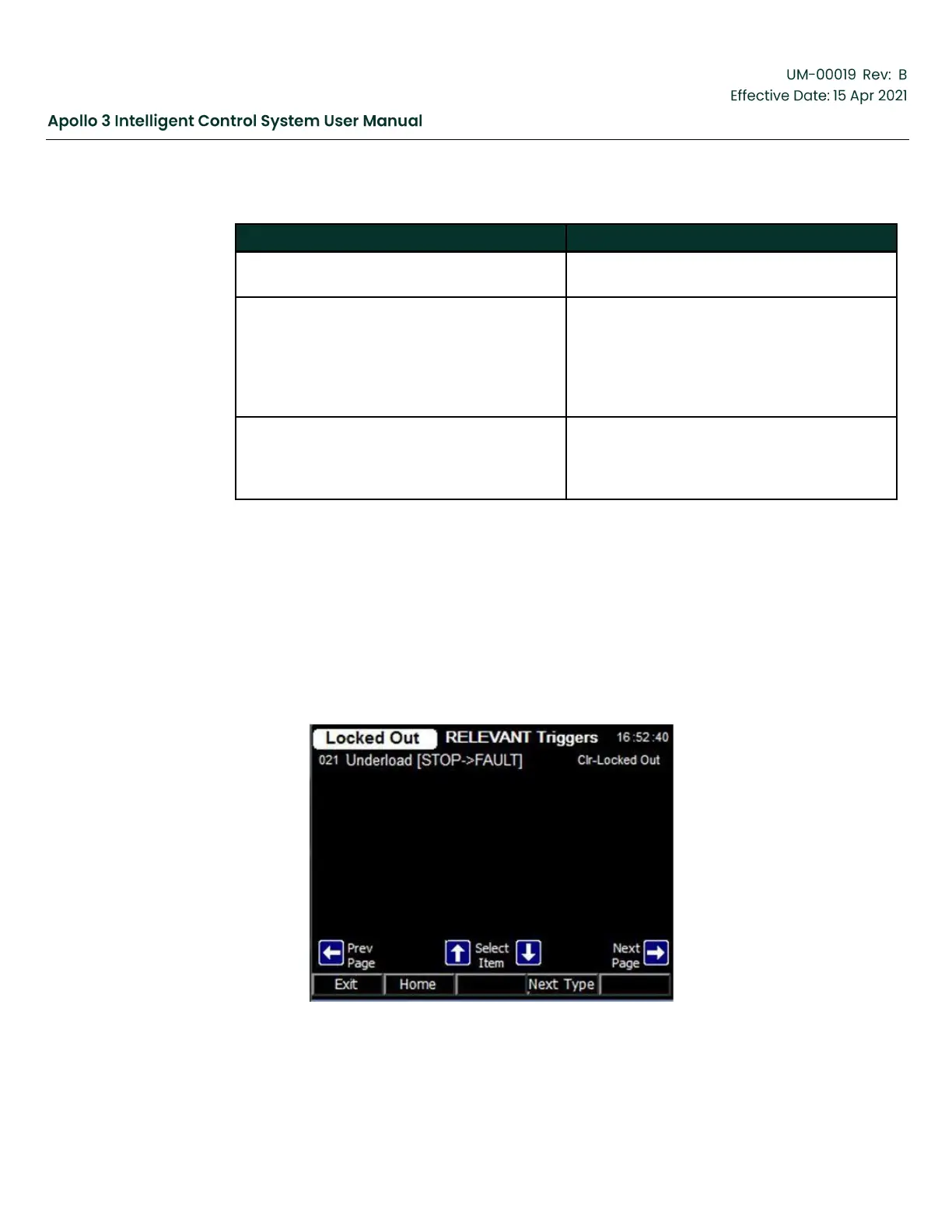
F4: “Triggers” - Display the Relevant Trigger screen.
Arrows:
•
Up, Down - Login required to select objects.
•
Right, Left - Page through events to view older or newer events.
Figure 47: Relevant Triggers Screen



 To Next Page