7.7
Displaying Previously Imported Data
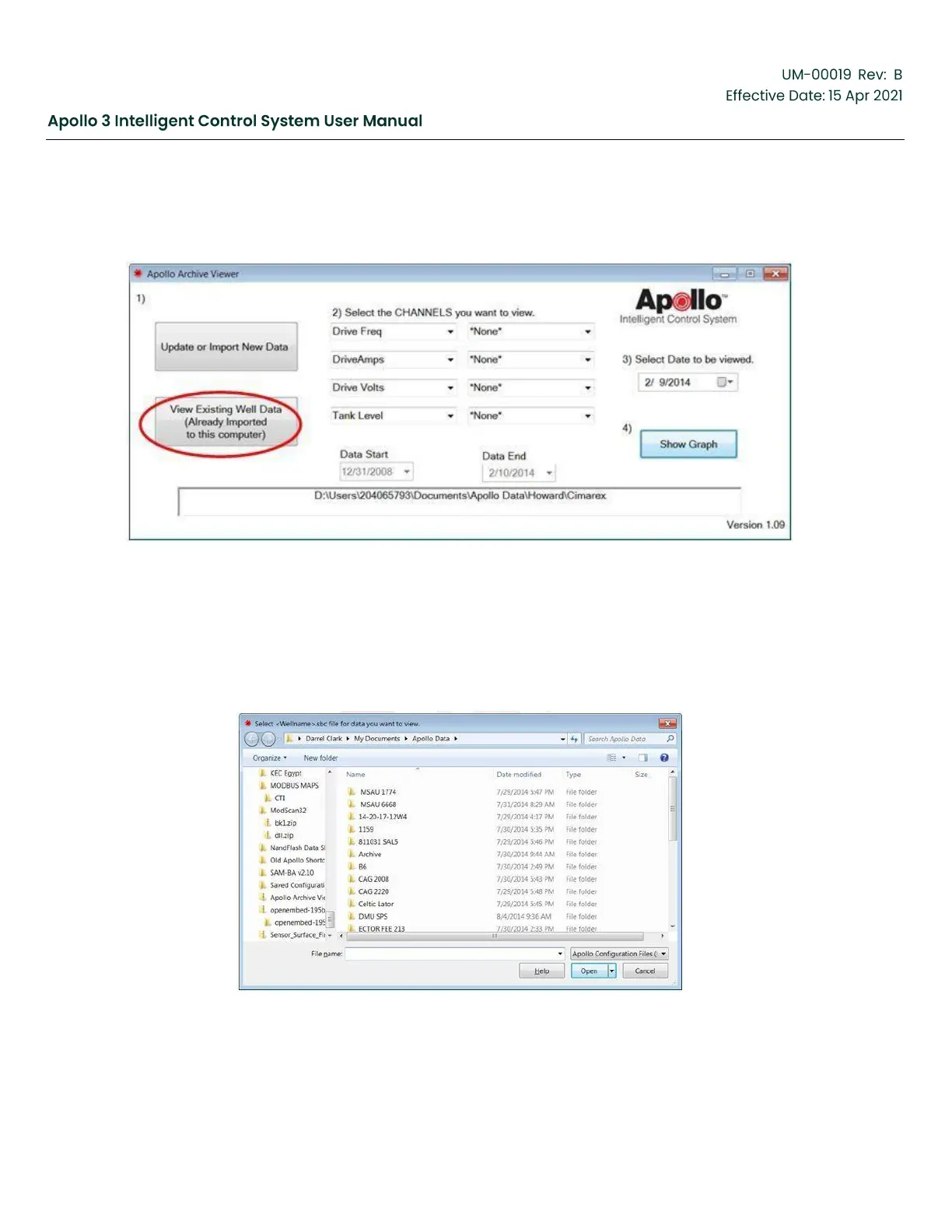
Click on “View Existing Well Data” to select data previously imported.
Figure 186: Viewing Previously Imported Data
The Archive Viewer files are saved in “My Documents\Apollo Data”. This set of files is a merged copy of the
imported data which is updated every time you “Update or Import New Data”. If you are importing multiple
data sets from the same controller, make sure you import the oldest set first, followed by the next oldest
and so on. When you view files using the “View Existing” button, the Archive Viewer will have retained
which channels you selected to view.
Figure 187: Selecting Previously Imported Well Data


 To Next Page