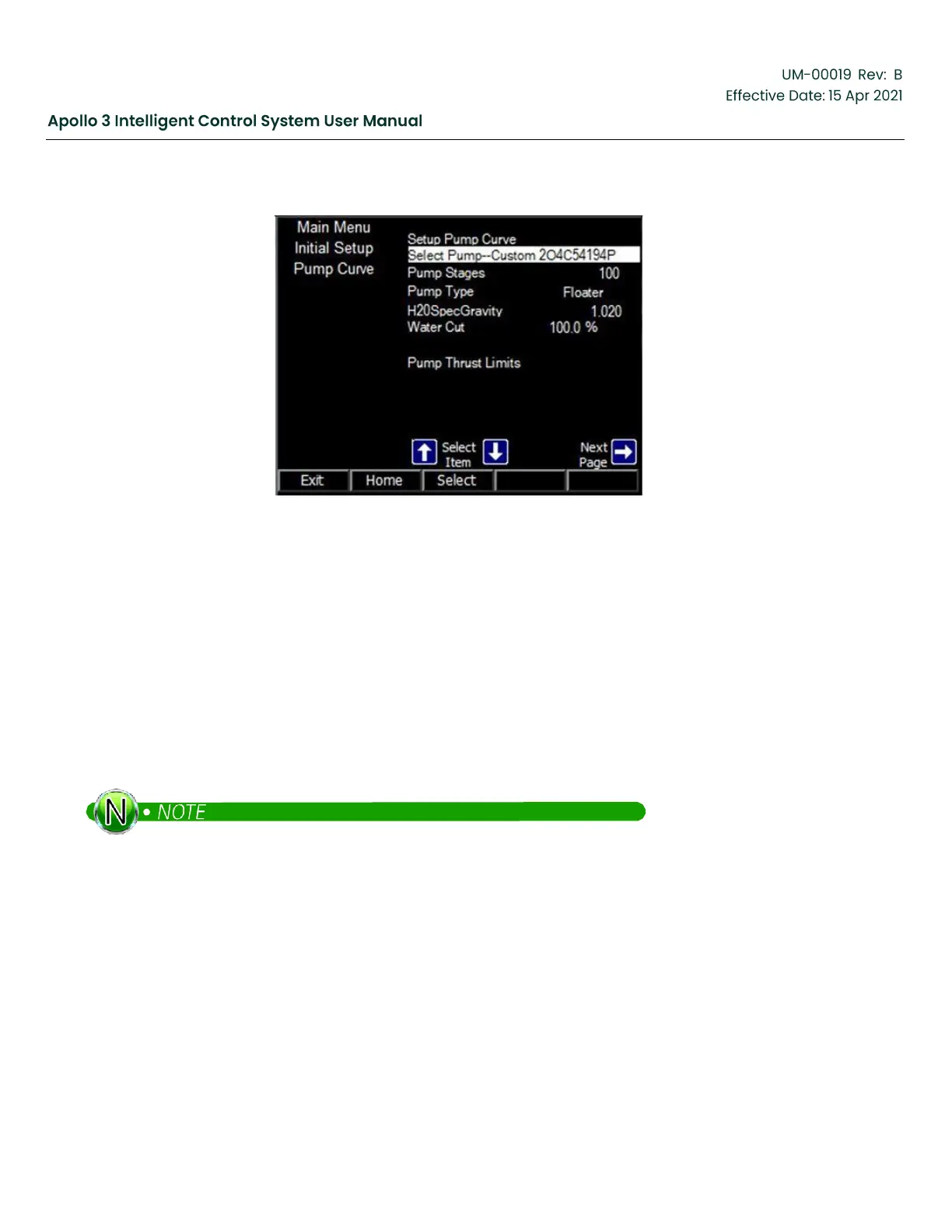
Figure 218: Updated Initial Setup Pump Curve Screen
12
Appendix A–Full Installation of Apollo Software
Use the following procedures to do a full installation of the Apollo Intelligent Control System – over an existing
Apollo system or a Vector VII HMI system.
A full installation is comprised of the following steps:
1.
Install Apollo
2.
Load a Template (if required)
3.
Reset Drive to Defaults (if required)
4.
System Setup and Operation
If an Apollo version 2.x drive is being upgraded to version 3.x and you wish to preserve the configuration,
please see Updating a Configuration from Apollo 2.x before beginning this procedure.
12.1
Install Apollo
You will need the Apollo software installed on a USB flash drive to complete this procedure.
1.
Power the system off.
2.
Insert the USB flash drive containing the Apollo software.
3.
Power on the system.



 To Next Page