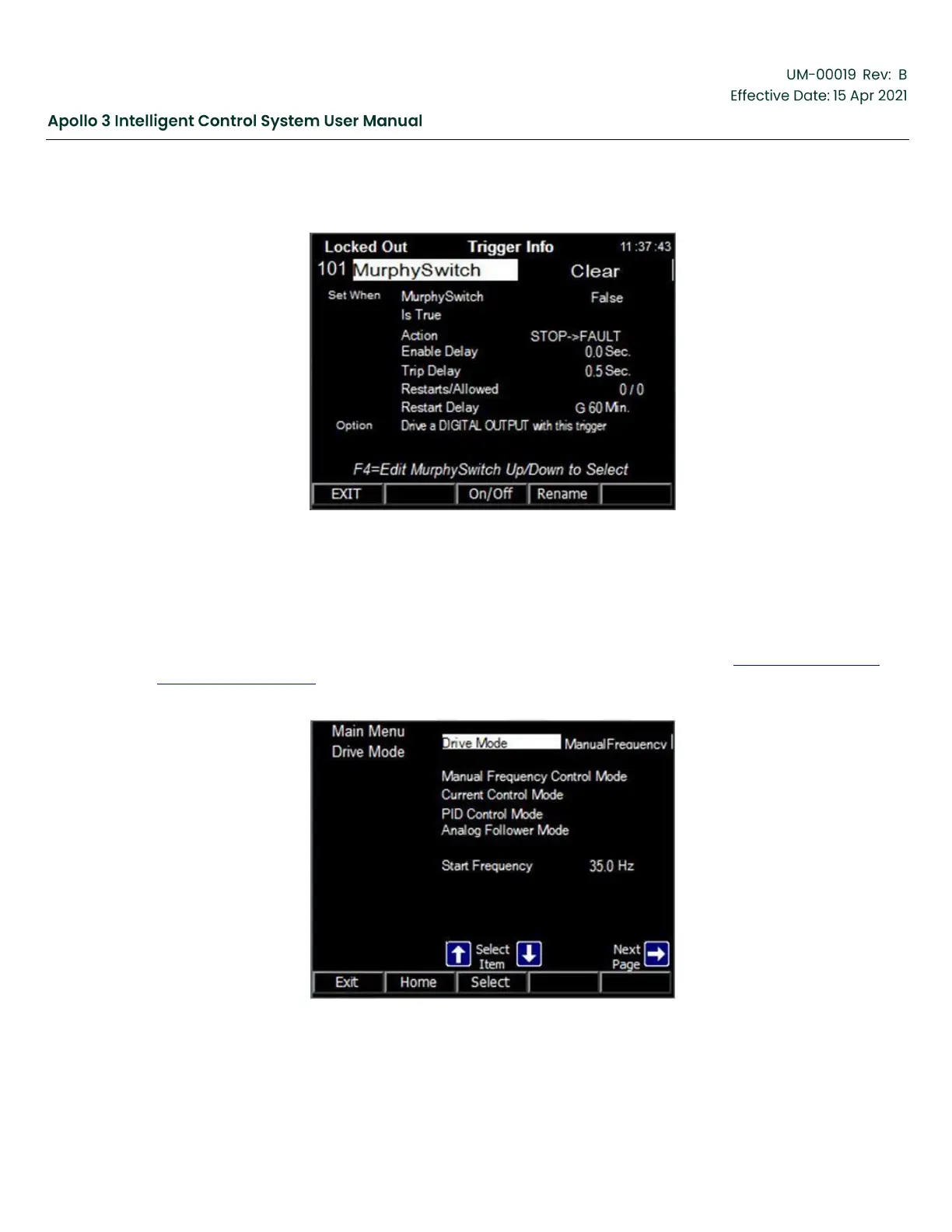
It is very easy to access the Trigger Info screen for the trigger connected to this channel. Simply Highlight
the trigger name and press the Select function button.
Figure 117: Murphy Switch Trigger-Example #2
Change the trigger parameters as needed to fulfill the needs of the application.
5.6
Setup Drive Mode
Navigate to the Set Drive Mode menu (in the Main Menu). A screenshot is shown in Figure 118: Set Drive
Mode Menu, page 139 . The Drive Mode can be set from this menu or any of the specific mode submenus.
Use the Right and Left Arrow buttons to view both pages of the Set Drive Mode menu.
Figure 118: Set Drive Mode Menu


 To Next Page