Run/Ready
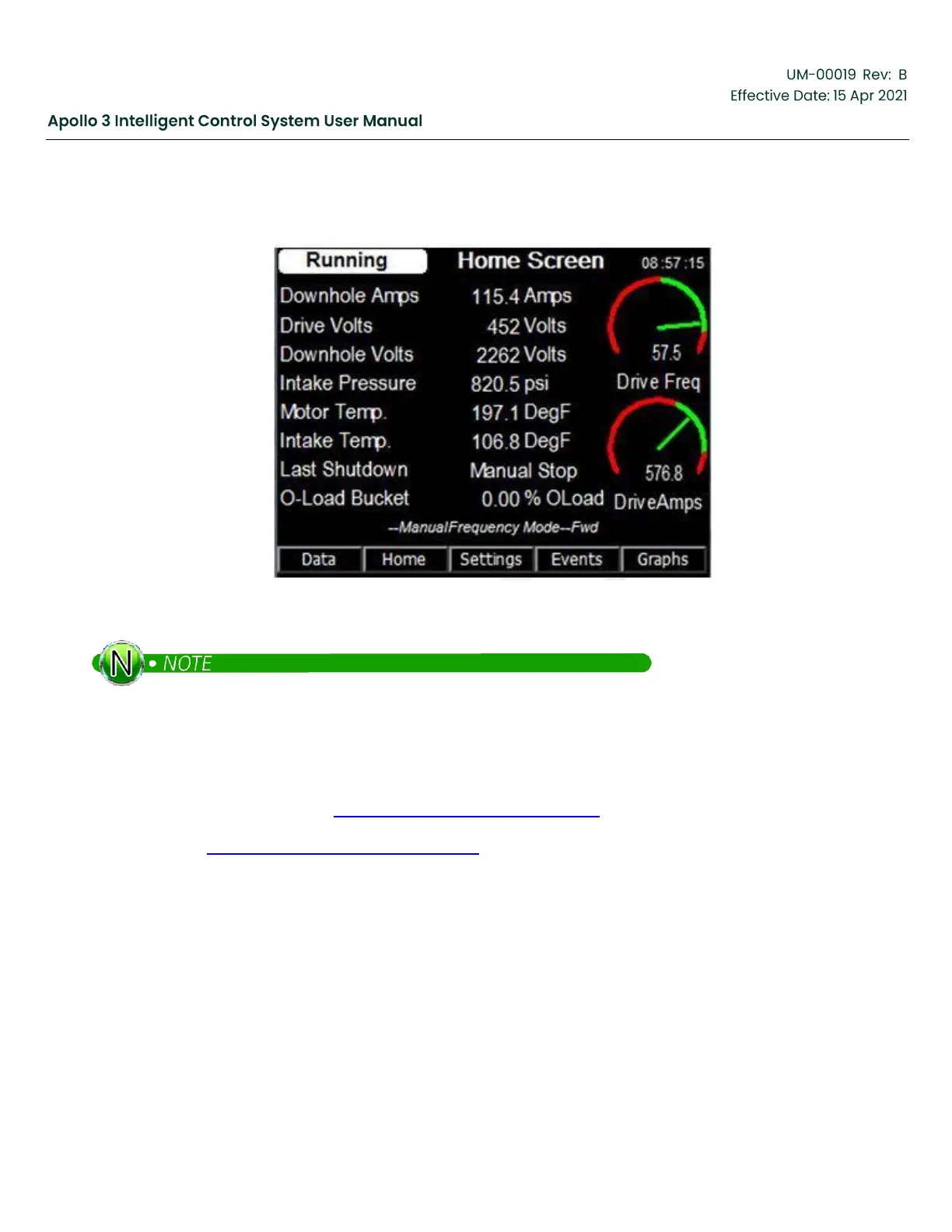
On a state transition to a Running or Ready state, the standard Home Screen will be automatically displayed.
Figure 53: Home Screen
Level 2 and Level 3 users can change the screens automatically displayed as needed for specialized
applications.
4
Basic Setup Sequence
The Basic Setup Sequence allows a Level 2 user to quickly configure a simple ESP application. This process is more
complete than the Quick Start (see Section 1: Quick Start Guide , page 14), allowing access to complete menus
instead of individual parameters. Like the Quick Start, the Basic Setup Sequence assumes no I/O is present in the
system. See the Section 5: Additional Setups, page 126 for information on configuring I/O.
4.1
Log In
The Apollo Control System provides password protection to prevent unauthorized configuration changes.
Access the log in screen from the Home Screen by pressing the Settings function button and then the
Login function button.



 To Next Page