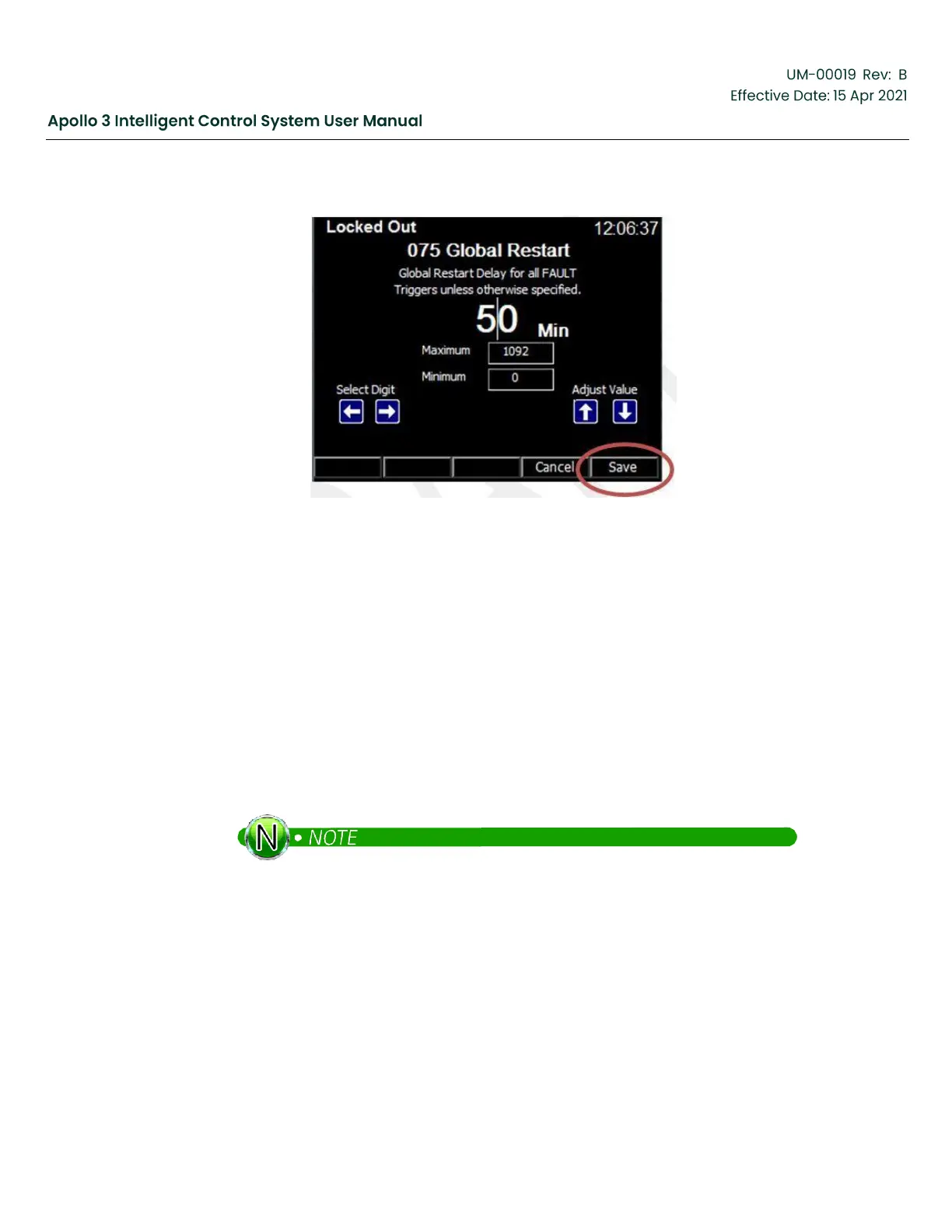
Figure 72: Global Restart Edit Screen
Press the Save function button. Acknowledge the confirmation screen by pressing the Yes
function button. Press the Exit function button to return the Other Initial Setup menu.
4.4.4
Set DHXFormer Ratio
A step-up transformer is used in ESP applications. Program the transformer ratio in terms of the
volts out of the transformer for each volt in. For example, if a transformer is rated at 480 Volts
and you have selected a tap reading 2256 Volts, then set the transformer to 2256/480 = 4.70.
Use the up and down arrow buttons as needed to highlight DHXFormer Ratio. Press the Select
function button to activate the edit screen.
Use the left and right arrow buttons to select a digit. Use the up and down arrow buttons to
change the selected digit.
The selected digit is just to the right of the insert in the field.



 To Next Page