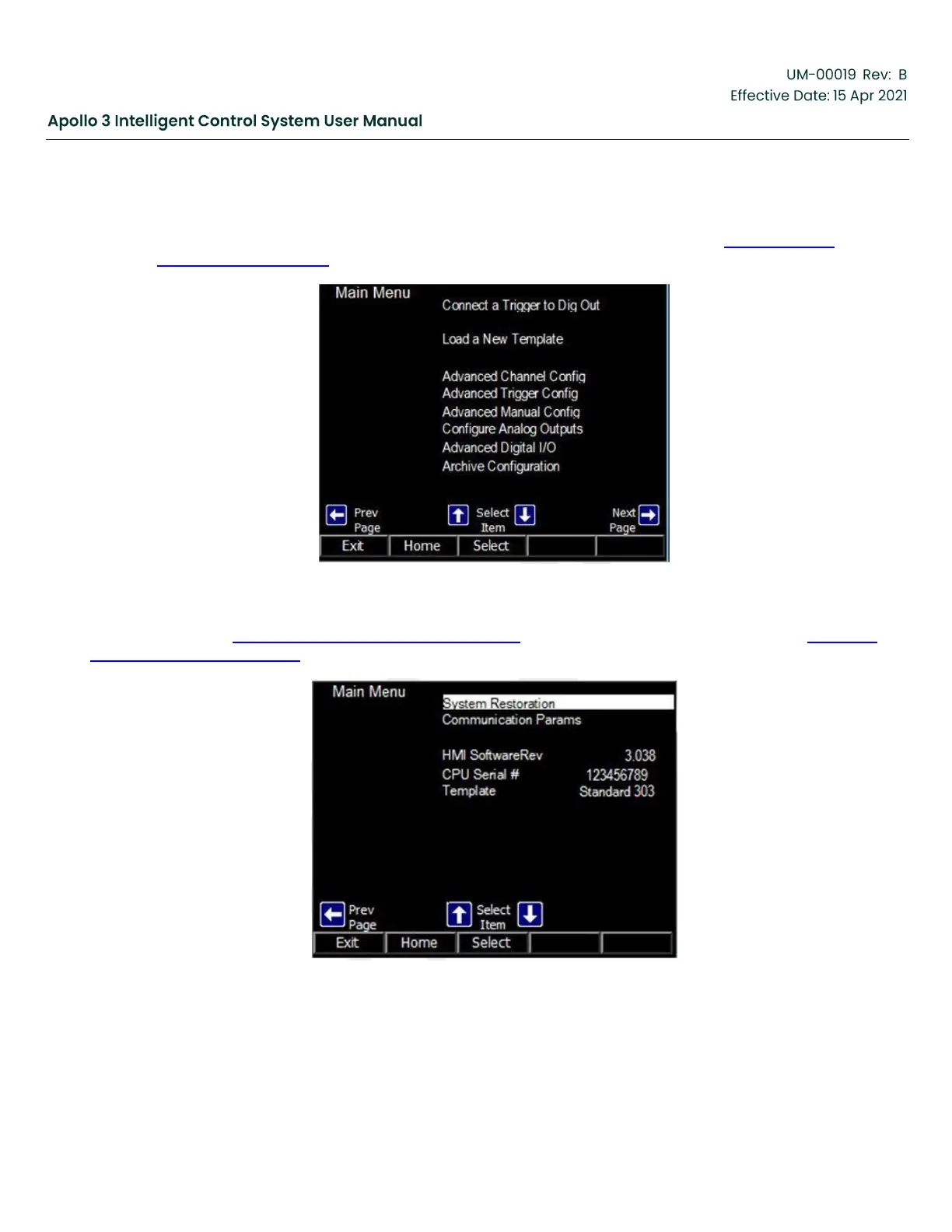
The Main Menu consists of 3 screens (pages). Press the right and left arrow buttons to navigate between
the pages of the menu. Use the up and down arrow buttons to select a submenu to access or a parameter
to change. The image shown below is the second screen of the Main Menu. See Figure 60: Main
Menu-Screen 2, page 89.
Figure 60: Main Menu-Screen 2
The image shown in Figure 61: Main Menu-Screen 3, page 89 is the third screen of the Main Menu. See Figure 61:
Main Menu-Screen 3, page 89.
Figure 61: Main Menu-Screen 3



 To Next Page