7.8
E-mailing or transferring Apollo Archive Data
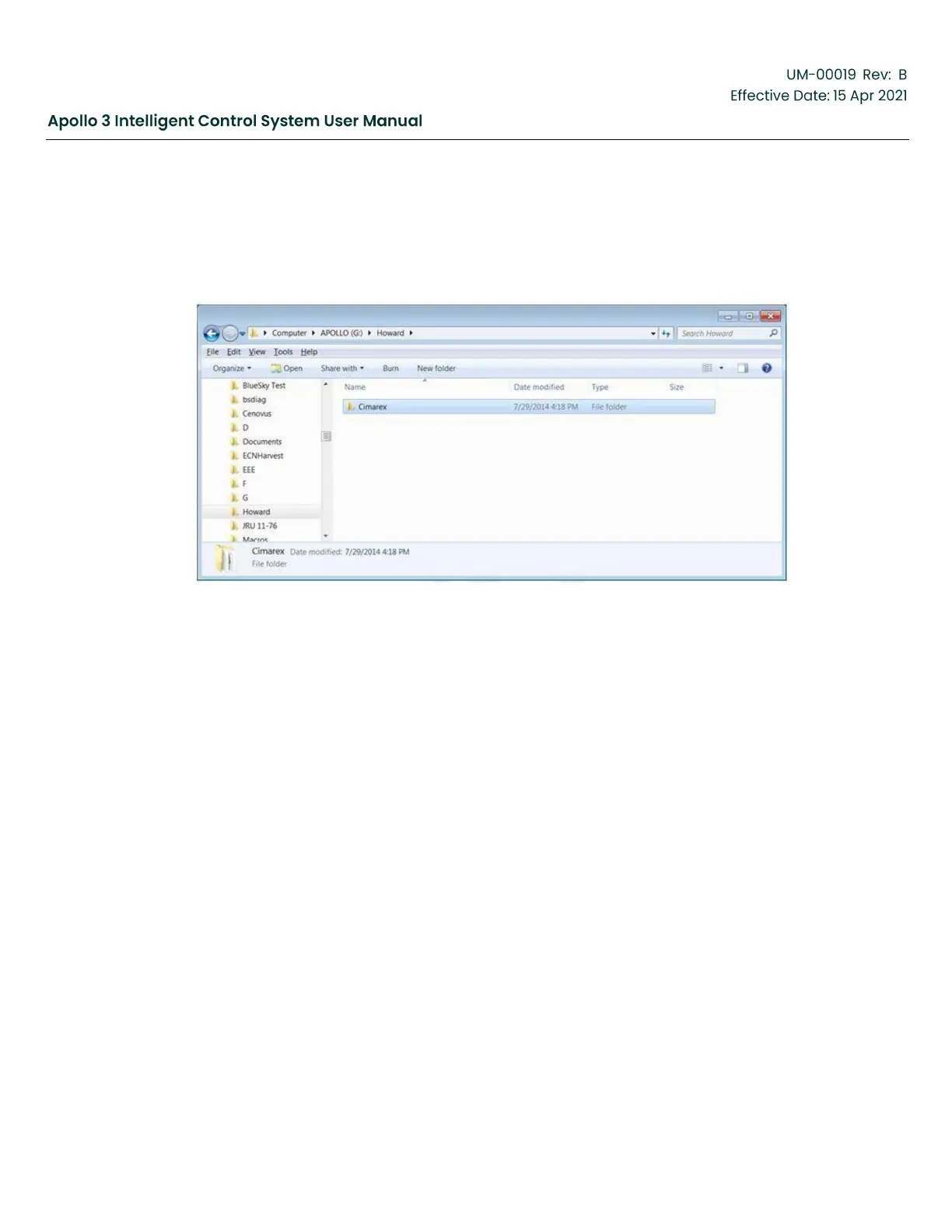
To E-mail or otherwise transfer Apollo Archive Data, insert the USB disk (used to extract data) into your
computer and look for a folder named the same as the pumping system’s Site name. Within the Site Name
folder, look for a folder with the same name as the Well Name. If there is no Site Name used, look for
the Well Name in the root of the USB.
Figure 188: Choose the Well Data (on USB Drive)
Select the Well Name folder and right click. Click on “Send to” then on “Compressed (zipped) folder.



 To Next Page