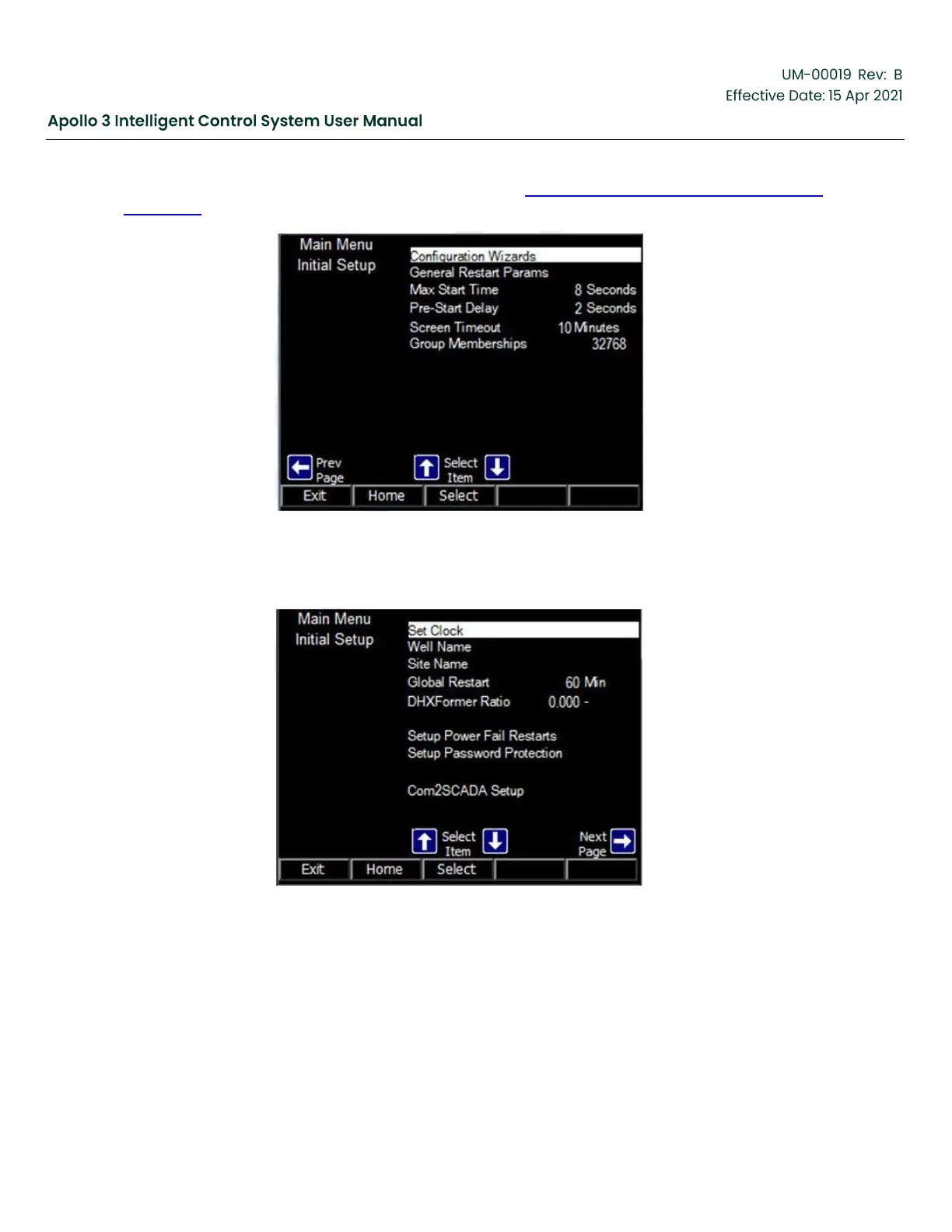
The 3
rd
screen of the Other Initial Setup menu is shown in Figure 65: Other Initial Setup Menu-Screen
3 , page 92. Less common setups are included.
Figure 65: Other Initial Setup Menu-Screen 3
Use the left arrow button to navigate back to the 1st screen of the Other Initial Setup menu.
Figure 66: Apollo Clock Display
4.4.1
Set Date/Time
Use the up and down arrow buttons as needed to highlight Set Clock. Press the Select function
button. The clock screen is displayed. Verify or correct the Time Zone, date, and time. Use the
F1 and F5 function buttons to move between vertical fields. Use the left and right arrow buttons to



 To Next Page