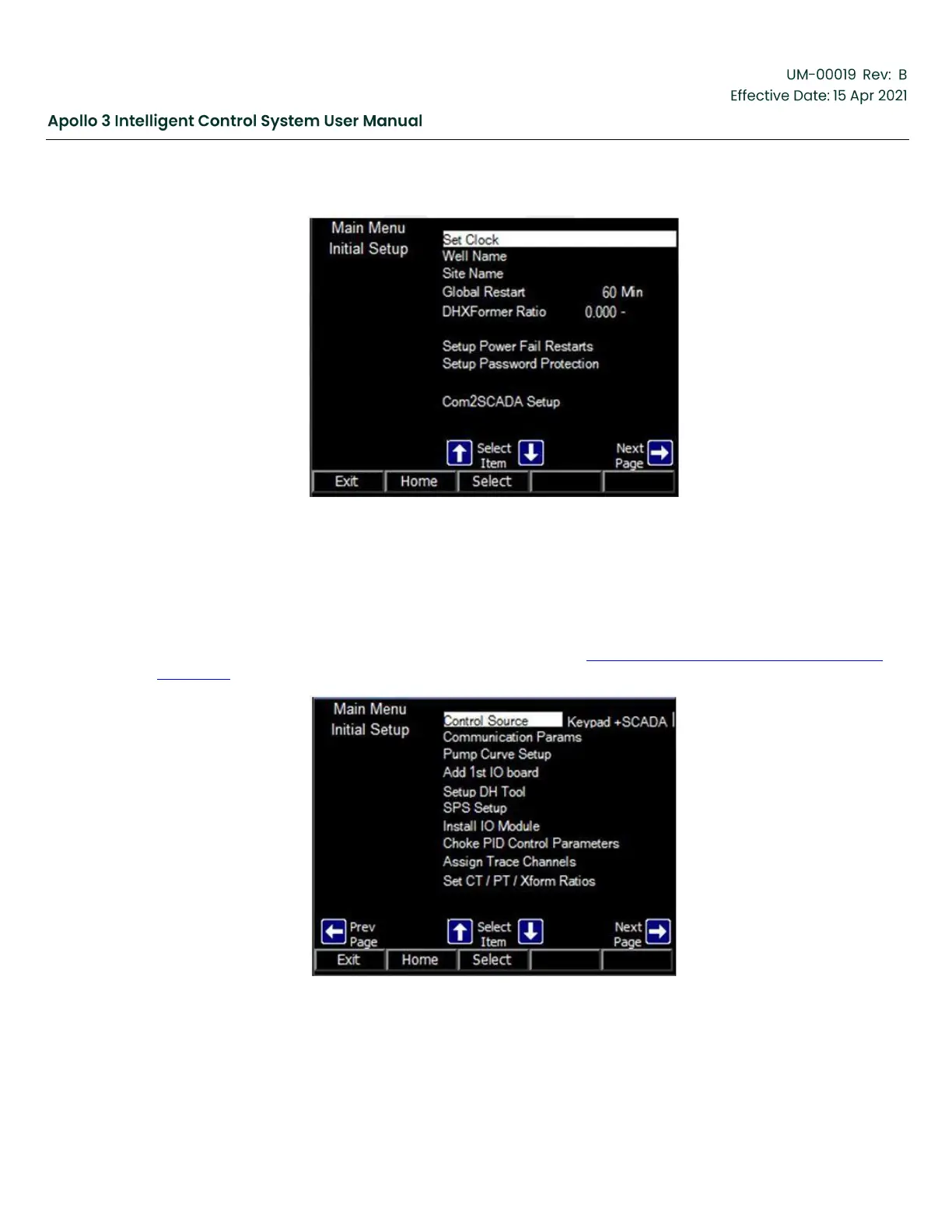
Figure 63: Other Initial Setup Menu
The Other Initial Setup menu is composed of 3 screens (pages). Generally, this menu provides access
to settings that are modified during the initial setup of the pumping system and further adjustment is not
required unless the pumping system is reconfigured. The first page includes the setups required in almost
all installations. Use the left and right arrow buttons to navigate between the three pages.
The second screen of the Other Initial Setup menu is shown in Figure 64: Other Initial Setup Menu-Screen
2, page 91. It contains a number of setups that are required on some installations.
Figure 64: Other Initial Setup Menu-Screen 2



 To Next Page