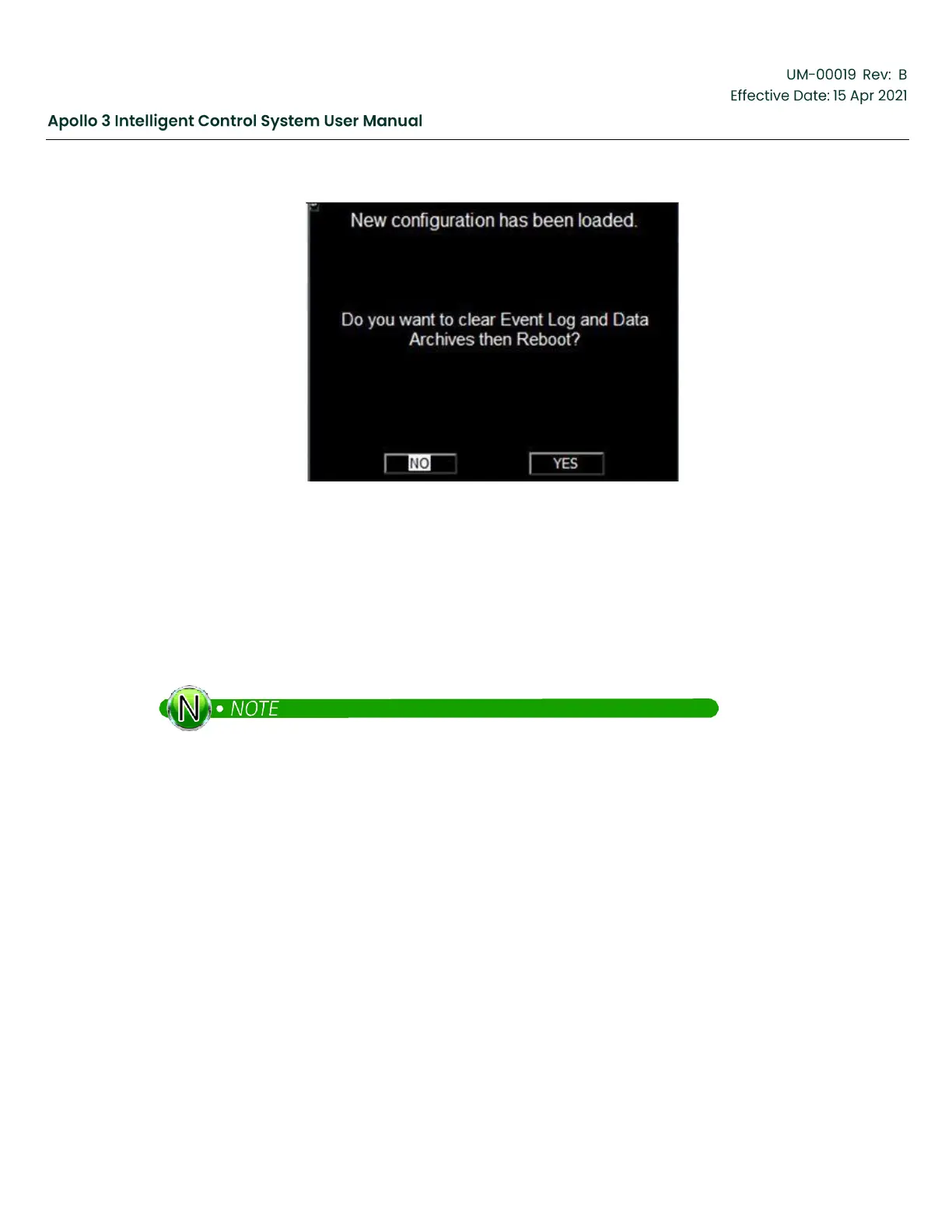
Figure 222: New Configuration Loaded Screen
12.3
Reset Drive To Defaults (If Required)
Please reset the drive to defaults when Apollo is installed on a Vector VII drive. Skip this step if Apollo
is being used with any other system.
When the Apollo software is first loaded onto a Vector VII drive, the drive should be set to defaults. This
procedure will show you how to set the drive to default.
Communications between the Apollo software and the drive chassis must be established before
this procedure is run. Ensure that the drive state in the upper left corner of the Home Screen is
not “No Drive Comm”.



 To Next Page