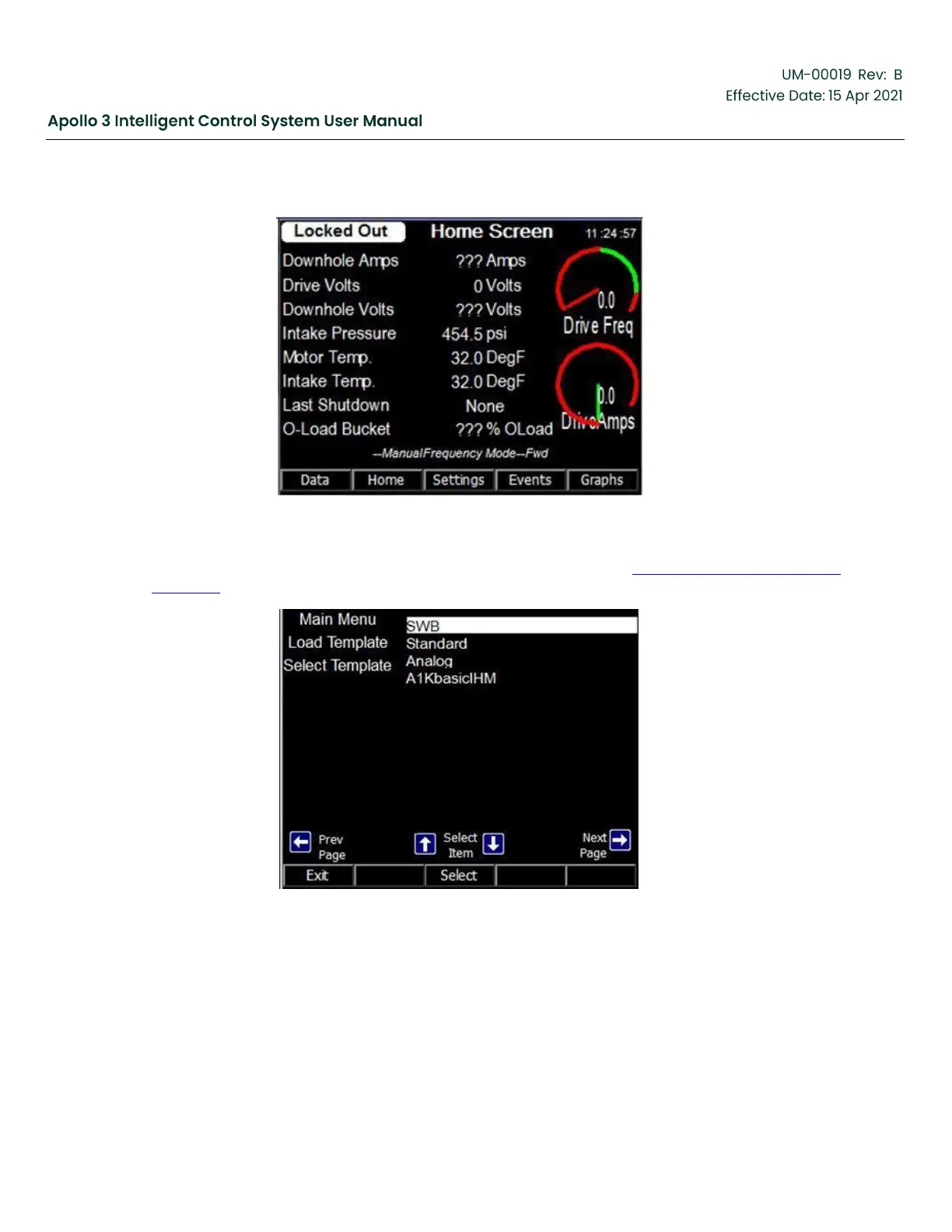
Figure 220: Home Screen
2.
Select the desired template and press the Select function button. See Section 5.22 Load a Template,
page 185 for additional information.
Figure 221: Select Template Screen
3.
Press the YES function button when prompted with “Overwrite Configuration?”.
4.
The screen at right appears. Press the YES function button. Wait until the Apollo system reboots.



 To Next Page