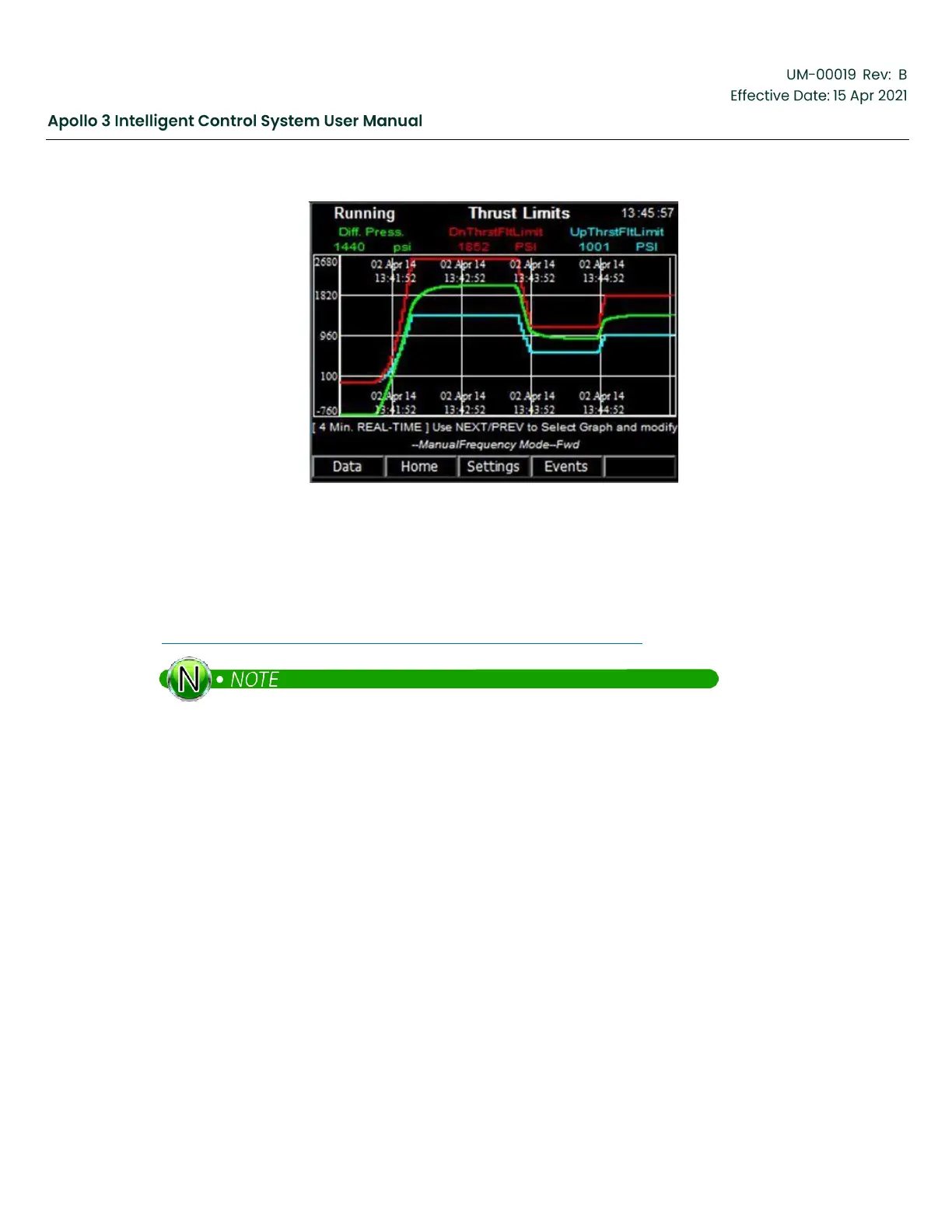
Figure 207: Pump Thrust Screen
11.7
Updating Pump Database
From time to time, the pump database will be updated. The latest version will
be available on the Support Central Drives & Controls Product Support site
(http://supportcentral.ge.com/products/sup_products.asp?prod_id=264489).
It is currently in the Apollo Wizards drop-down box; look for “Pump Database Upgrade”. Download
the .zip file and copy the 2 files into the root directory of a USB Flash drive.
Insert the USB Flash drive into the Apollo system. The USB Menu will appear. Use the right arrow button to
advance to the second screen of the USB Menu.
Use the up and down arrow buttons to highlight “Update Pump Database” and press the Select function
button.


 To Next Page