3.8.6
Amp Chart Screen
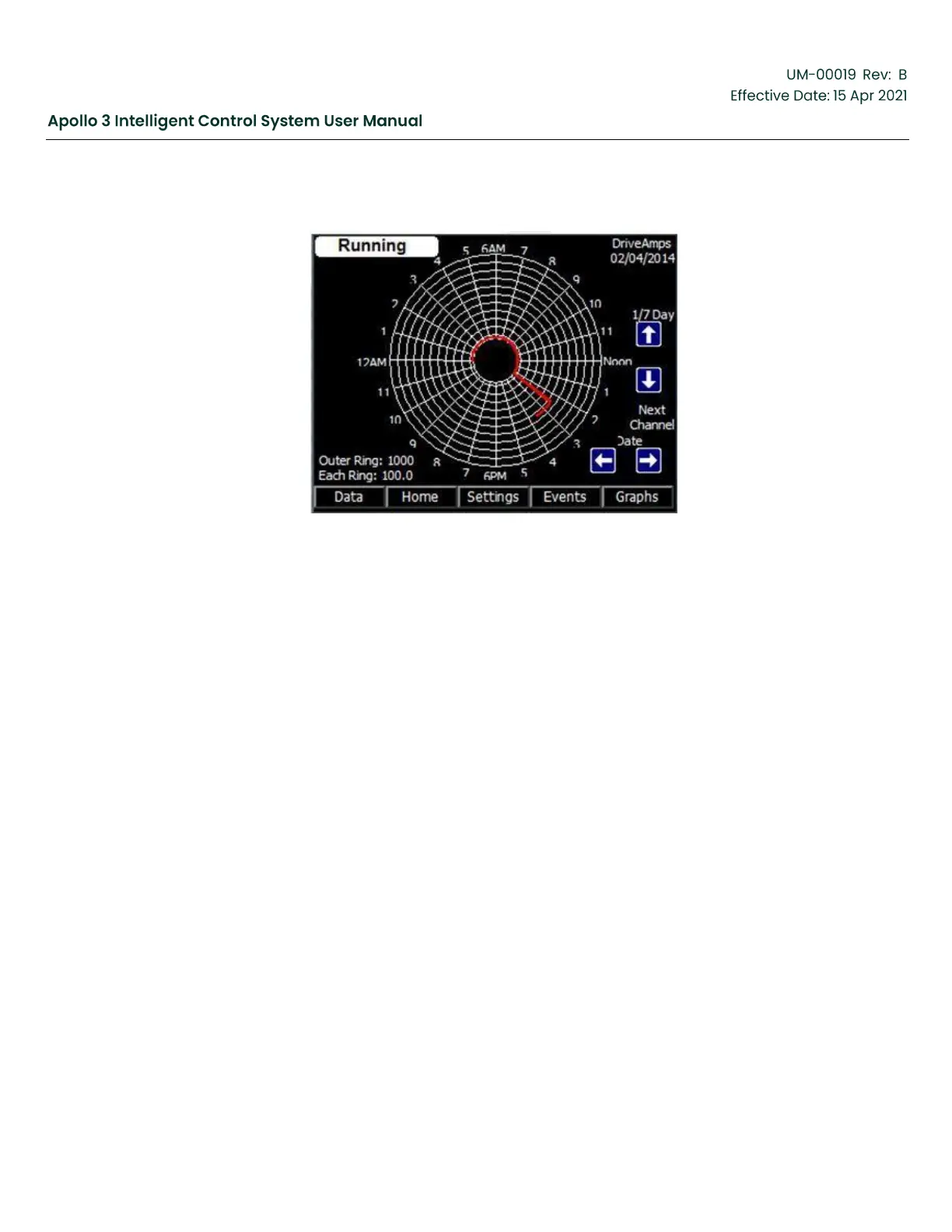
Figure 39: Amp Chart Screen
Function:
The Amp Chart screen displays one day or seven days of drive output current data in the familiar
circular format. Data is saved based on a dead band algorithm up to once per second.
Screen Data:
Screen data on the Amp Chart screen shows the drive output current in Amps.
•
Amp Chart Date
•
Graphical Output
•
Outer Ring – Amps at the outer ring of the chart
•
Each Ring – Amps per minor division
Keypad Functions:
F1: “Data” – Display the next data display screen.
F2: “Home” – Closes the current screen and displays the Home screen.
F3: “Settings” – Access drive settings that can be changed.
F4: “Events” – Activates the Event Log screen containing the 4096 newest events.
F5: “Graphs” – View historical graphs of the data shown on this page.
Arrows:
•
Up, Down – Change the chart format between 1 and 7 days.



 To Next Page