5.21
Add a Digital Output to a Trigger
The Apollo system can be used to control relay activated external devices using digital outputs. This control
is accomplished by attaching the digital output to a trigger. Connecting the digital output to a trigger is
done via the Trigger Info screen.
In our example, we’ll connect the Motor Temperature High Warning trigger we created in Section 5.20 Add a
Trigger to a Channel, page 178 to the drive module digital output 2 (also referred to as M3-M4). The output
will be a Normally Open digital output that closes when the trigger is set. This relay could be used to turn
on an external lamp or trigger a callout.
1.
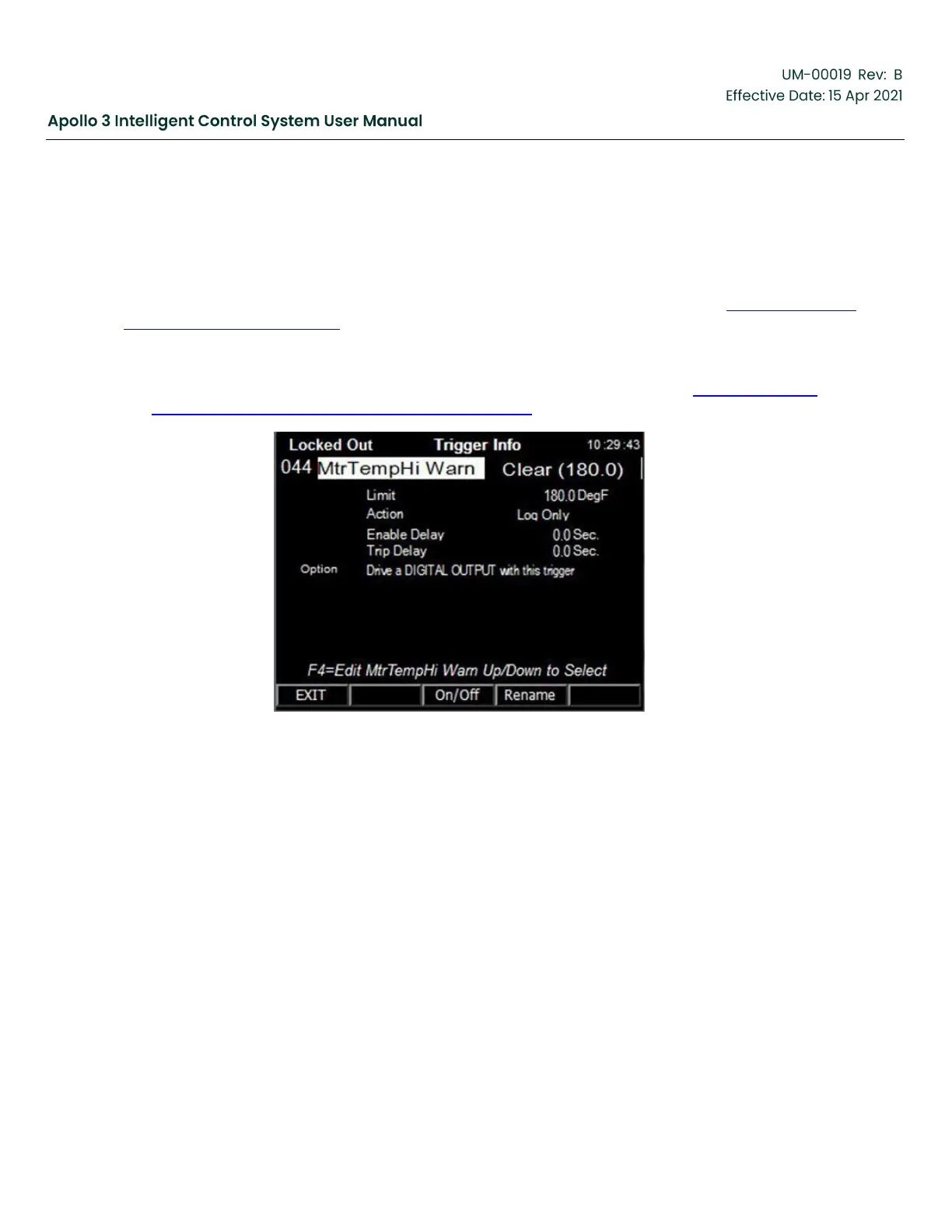
Navigate to the Motor Temperature High Warning Trigger Info screen shown in Figure 158: Motor
Temperature High Warning Trigger–Screen 2, page 182.
Figure 158: Motor Temperature High Warning Trigger–Screen 2
2.
Use the Up and Down Arrow buttons to highlight the Drive a Digital Output with this trigger option.



 To Next Page