13.1.1
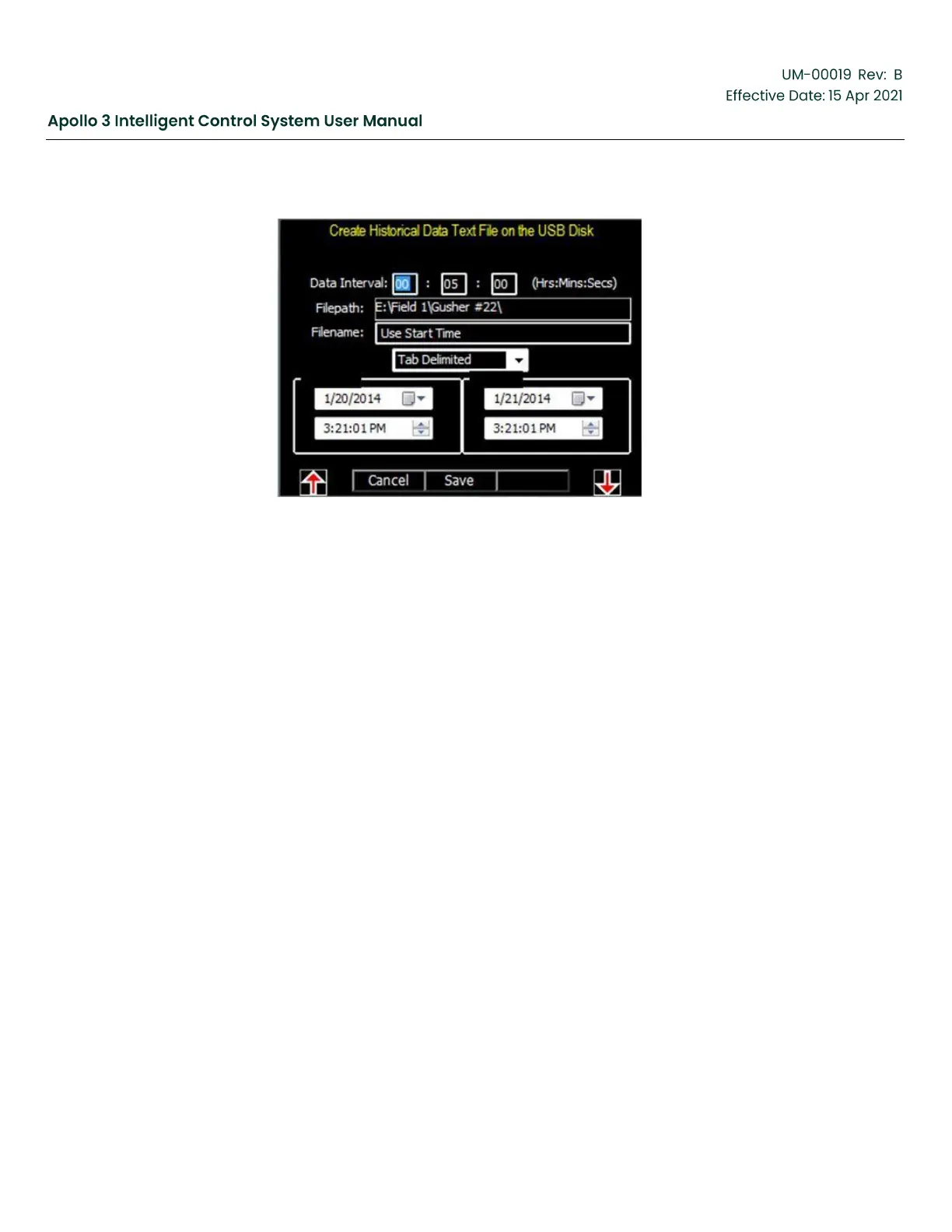
Historical Data Text File Setup Screen
Figure 229: Historical Data Text File Setup
•
Use the F1 and F5 function buttons to navigate to the various fields on the screen.
•
Set the Start Time and Data and the EndTime and Date to match the time period of the data
you wish to export. Set the data interval as desired.
•
Set any other fields if necessary.
•
Press the Save function button to export the data.


 To Next Page