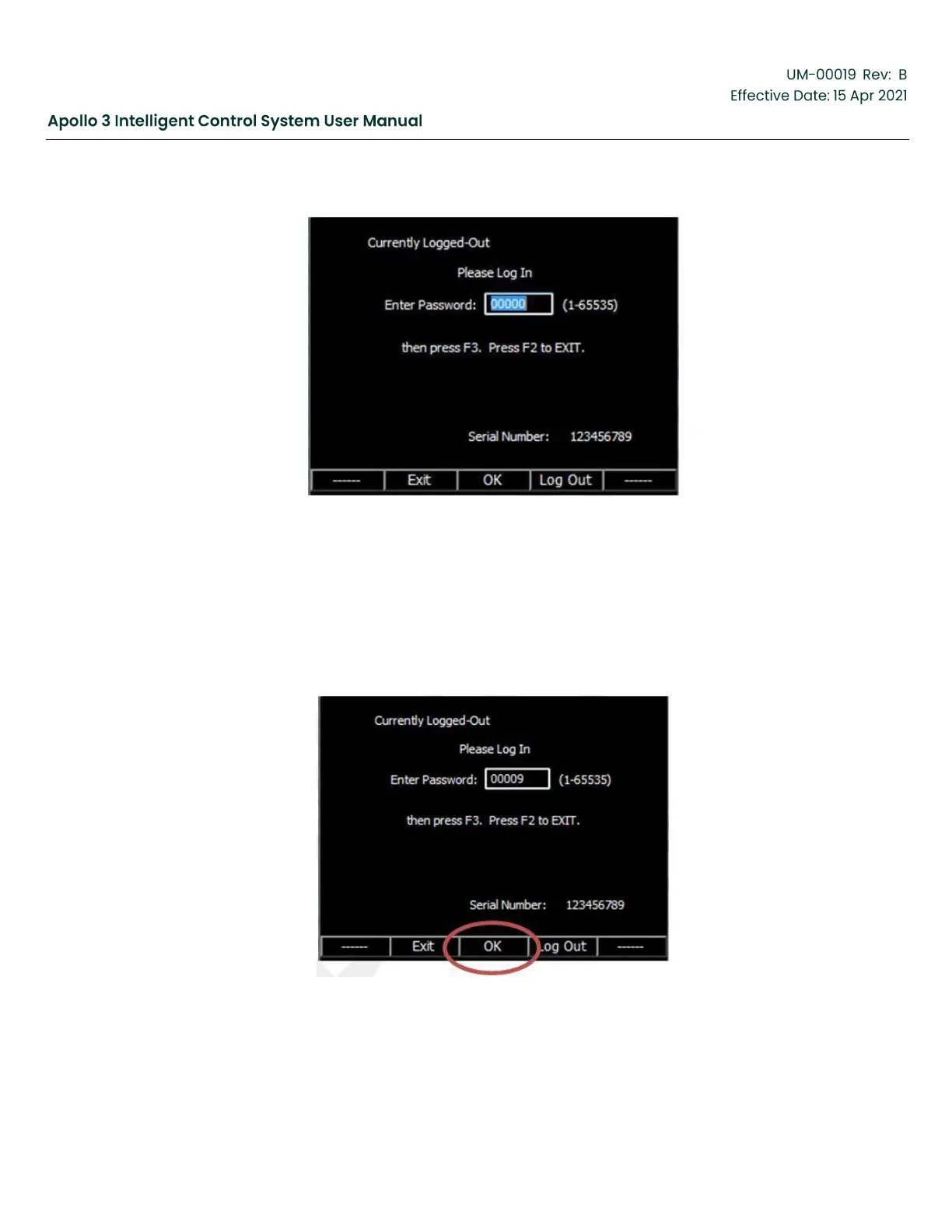
Figure 56: Login Screen
1.
Use the up and down arrow buttons on the keypad to change the value of the selected digit. Use the left
and right arrow buttons on the keypad to select a digit.
2.
The rightmost digit is selected by default.
3.
The default Level 2 password is 9. Simply press the down arrow 1 time to change the value to 9.
4.
Press the OK function button to log in.
Figure 57: Select Ok on Login Screen
The Login function button on the Settings Screen is changed to Menu and the Main Menu is displayed.



 To Next Page