Activates/Deactivates the drive
power module hunting prevention
select function. Set to 0 for
ESP systems. Set to 1 for SPS
systems.
Select any parameter that needs to be changed and make the necessary changes. Press the Save function
button. Acknowledge the confirmation screen by pressing the Yes function button. Press the Exit function
button to return the Drive Settings menu.
When all the necessary changes have been made, press the Exit function button to return to the Main Menu.
4.6
Set Drive Mode
See Section 5.6 Setup Drive Mode Section 5.6, page 139 for detailed information.
4.7
Configure Motor Overload
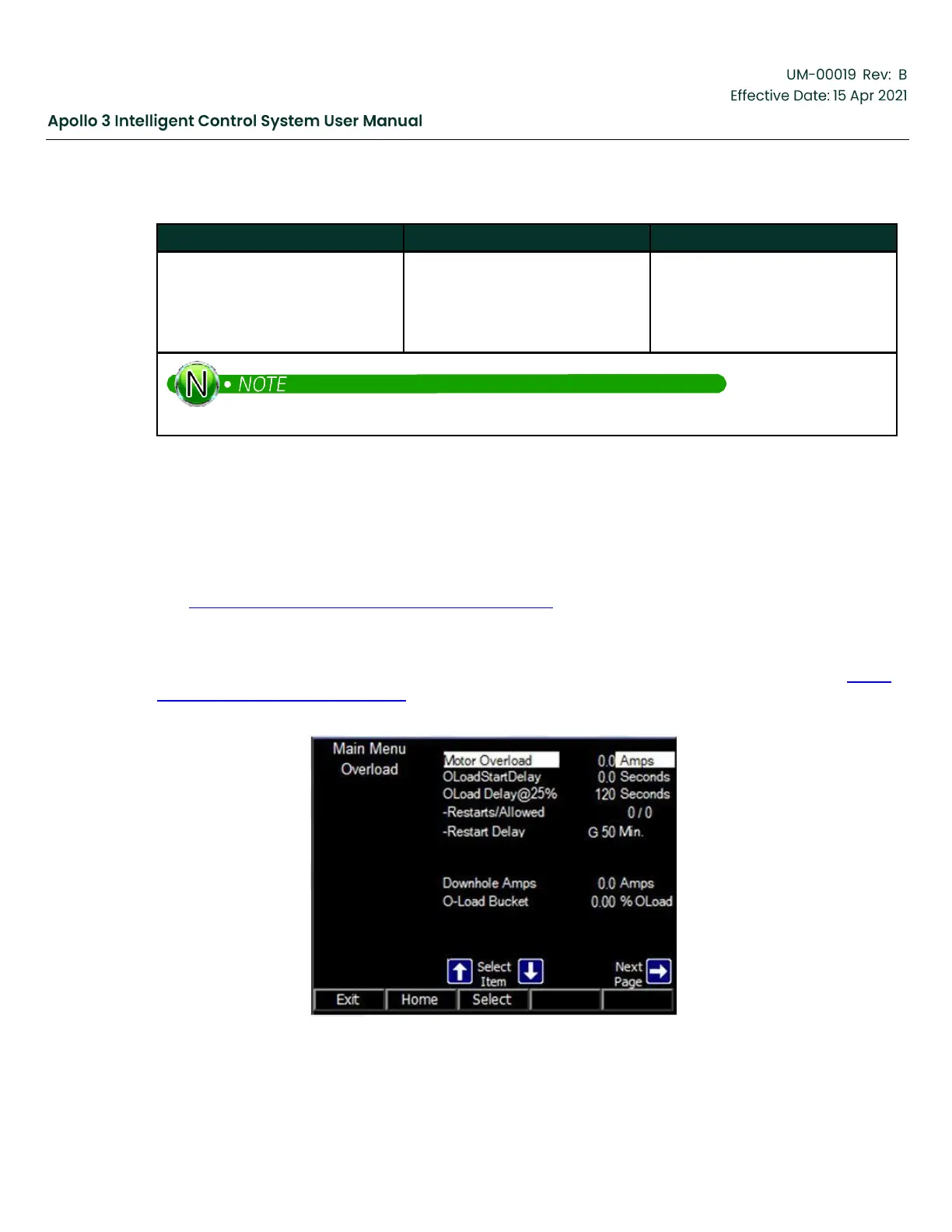
Select Motor Overload from the Main Menu. The first screen of the Motor Overload menu is shown in Figure
86: Motor Overload Menu, page 111. This page contains the parameters that are most often changed in
common installations.
Figure 86: Motor Overload Menu


 To Next Page