Copyright 2020 Baker Hughes Company. All rights reserved.
Activates the Linear List editing
function used to change internal
drive power module parameters.
Note that an “L” to the right of a
parameter indicates that it is in
use by Apollo and is locked in the
Linear List.
Set to True to reset the drive
power module to its default
settings. After setting to True and
acknowledging the change, wait
30 seconds and then power cycle
the system.
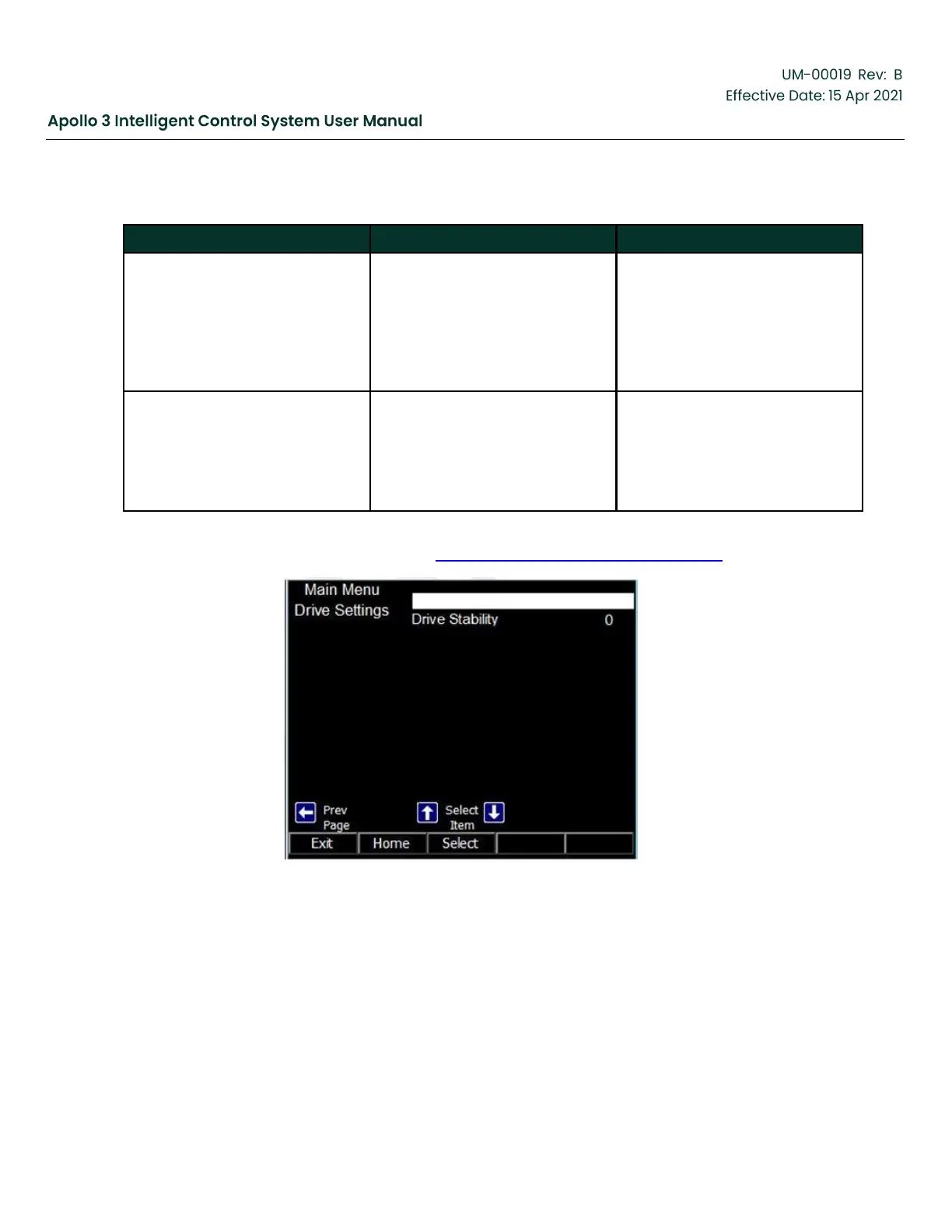
Navigate between pages of the menu by pressing the Left Arrow and Right Arrow buttons. The third screen
of the Drive Settings menu is shown below in Figure 85: Drive Settings Menu, page 110.
Figure 85: Drive Settings Menu



 To Next Page