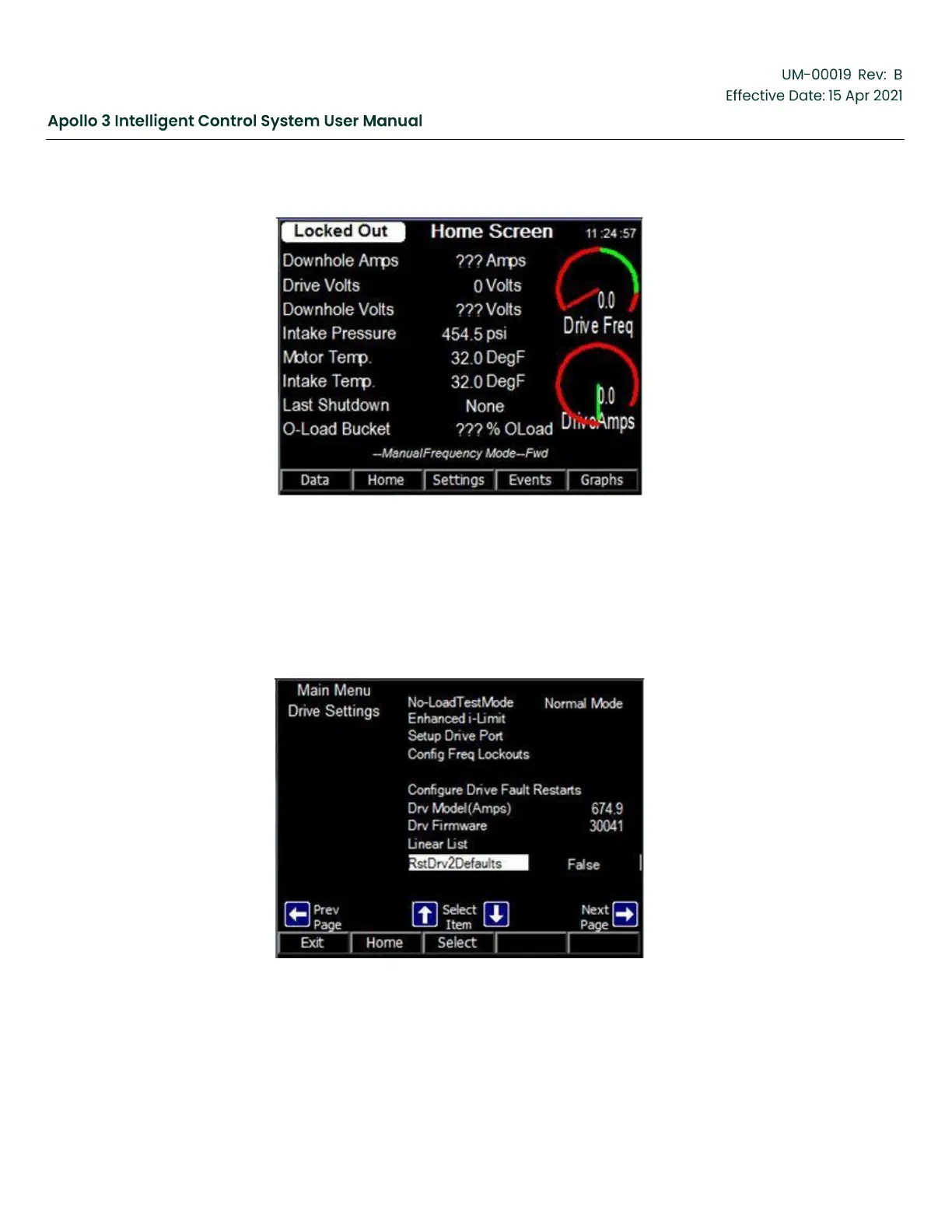
Figure 223: Home Screen
1.
Navigate to the second page of the Drive Settings screen using the following selections:
a.
Settings-> Menu -> Config Drive Settings-> Right Arrow
2.
Highlight the RstDrv2Defaults option.
3.
Press the Select function button.
Figure 224: Main Menu Drive Settings
4.
Use the Right Arrow button to change the value to True.



 To Next Page