3.8.5
Analogs Screen
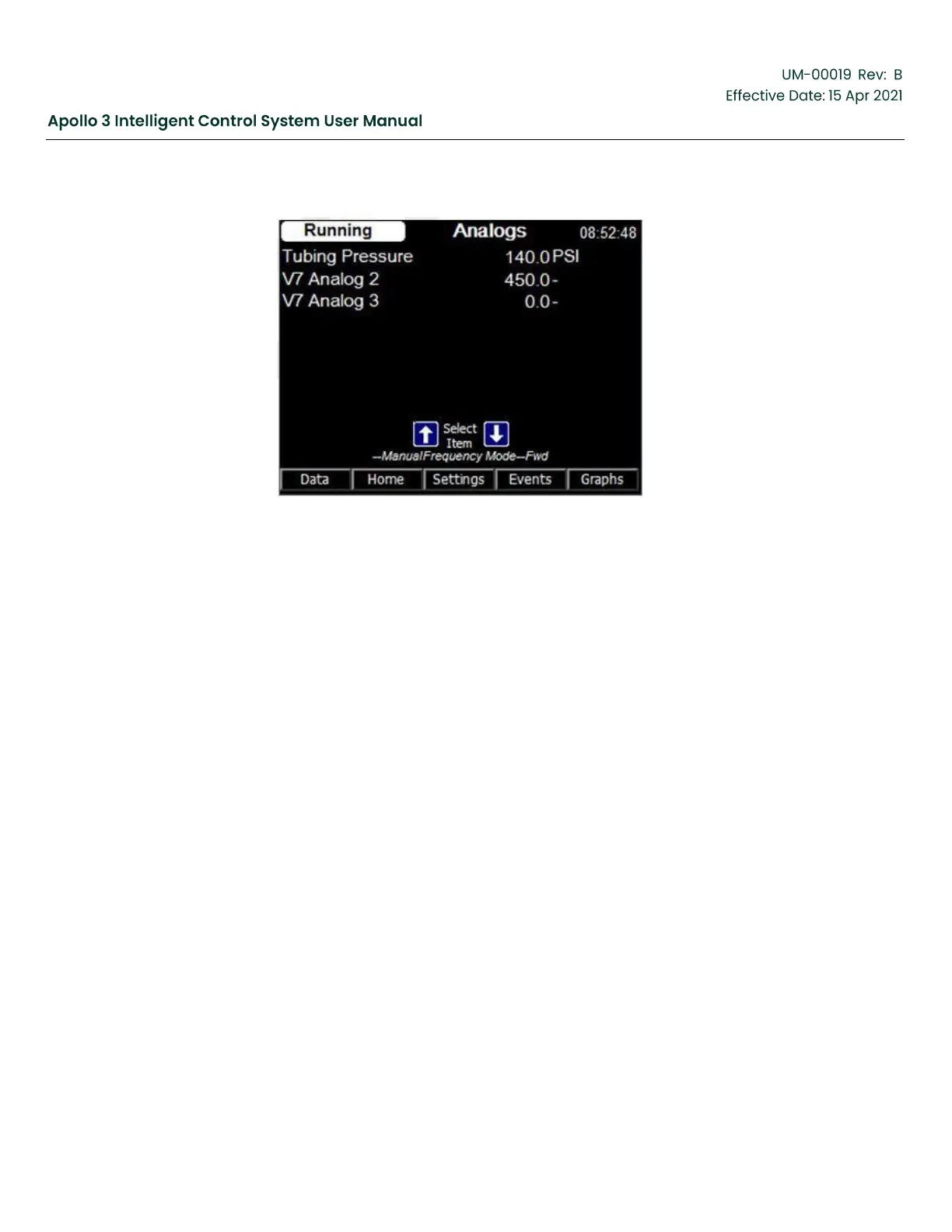
Figure 38: Analog I/O Screen
Function:
The Analogs screen displays the values of all analog inputs in the system. The screen above
shows a minimal configuration. If an Apollo Extended I/O board is configured in the system, its
analog inputs will also be shown on this screen.
Screen Data:
Screen data on the Analogs screen shows the current values of all the analog inputs in the
system.
•
Input Label – The label assigned to the analog input (e.g., Tubing Pressure.)
•
Input Value – The input value assigned to the corresponding label (e.g., 140.0 psi.)



 To Next Page