4.
When the system begins to boot, press and hold the F1 button. Release the F1 key when a white
window appears and files are being copied.
5.
When the operation is complete, power off the system. Wait until the screen goes down and then
wait an additional 10 seconds.
6.
Power on the system.
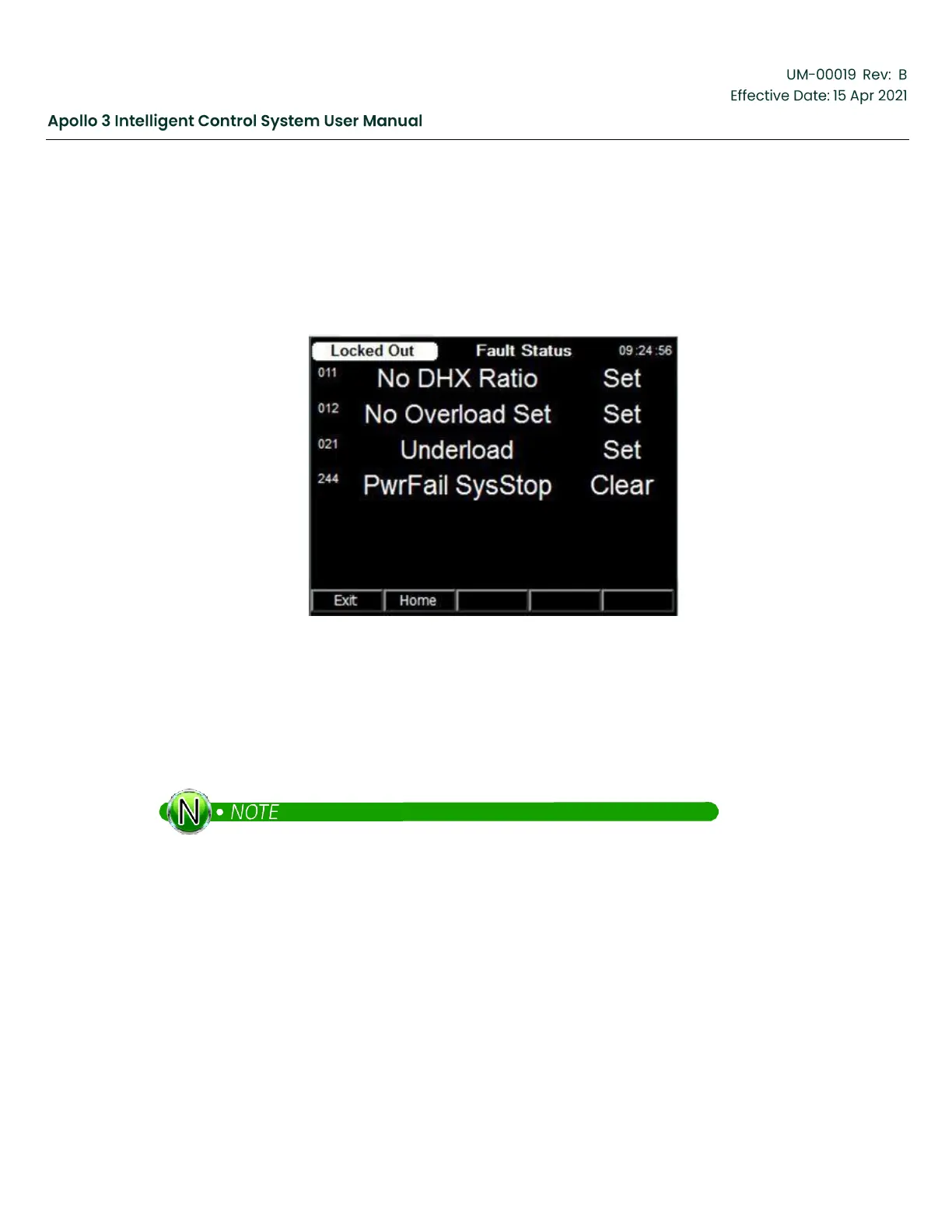
The Fault Screen will appear listing parameters that must be set up before running the drive.
Figure 219: Fault Screen
12.2
Load a Template (If Required)
Apollo is pre-loaded with the Standard template that works in Vector VII and Vector Plus applications. If
you are using the Apollo in a Switchboard application or with a different drive, follow the procedure in this
section to install the appropriate template.
Skip this section if Apollo is being used with a Vector VII or Vector Plus drive.
1.
Navigate to the second page of the Main Menu. Settings-> Menu-> Right Arrow -> Load a New Template
The Select Template screen appears.


 To Next Page