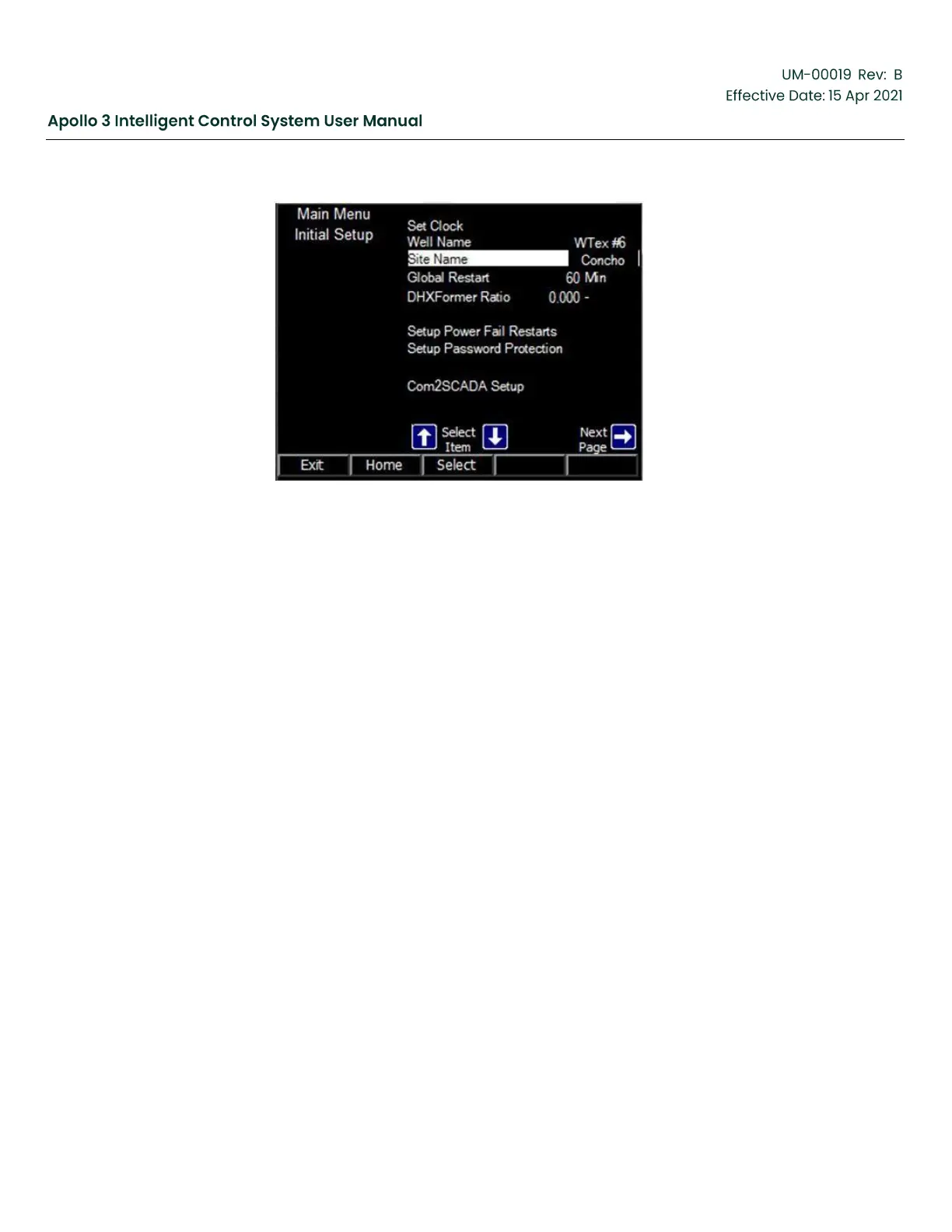
Figure 71: Initial Setup Updated Site Name Screen
4.4.3
Set Global Restart Time
The restart time is the delay between when a trigger stops the Apollo system and the Apollo
system will automatically try to restart. Note that for the system to automatically restart, the
trigger that stops the system has to have a restarts/allowed count > 0. Also note that the system
will never try to restart if the ManualStartOnly parameter is set to true.
Each trigger in Apollo has its own restart time. However, by default, all restart times are set to
the Global Restart time. Best practice is to set the Global Restart time to the normal restart time
on the system (for an ESP system, this is likely the fluid fallback – backspin time). Then change
the restart time on individual triggers only where necessary. For example, in a slow recovering
well, Underload (due to pumping off all the fluid in the well bore) may require a restart time
significantly longer than the fluid fallback time.
Use the up and down arrow buttons as needed to highlight Global Restart. Press the Select
function button to activate the edit screen.
Use the left and right arrow buttons to select a digit. Use the up and down arrow buttons to
change the selected digit. Note that the selected digit is just to the right of the insert in the field.
Change the Global Restart to the desired value.



 To Next Page