•
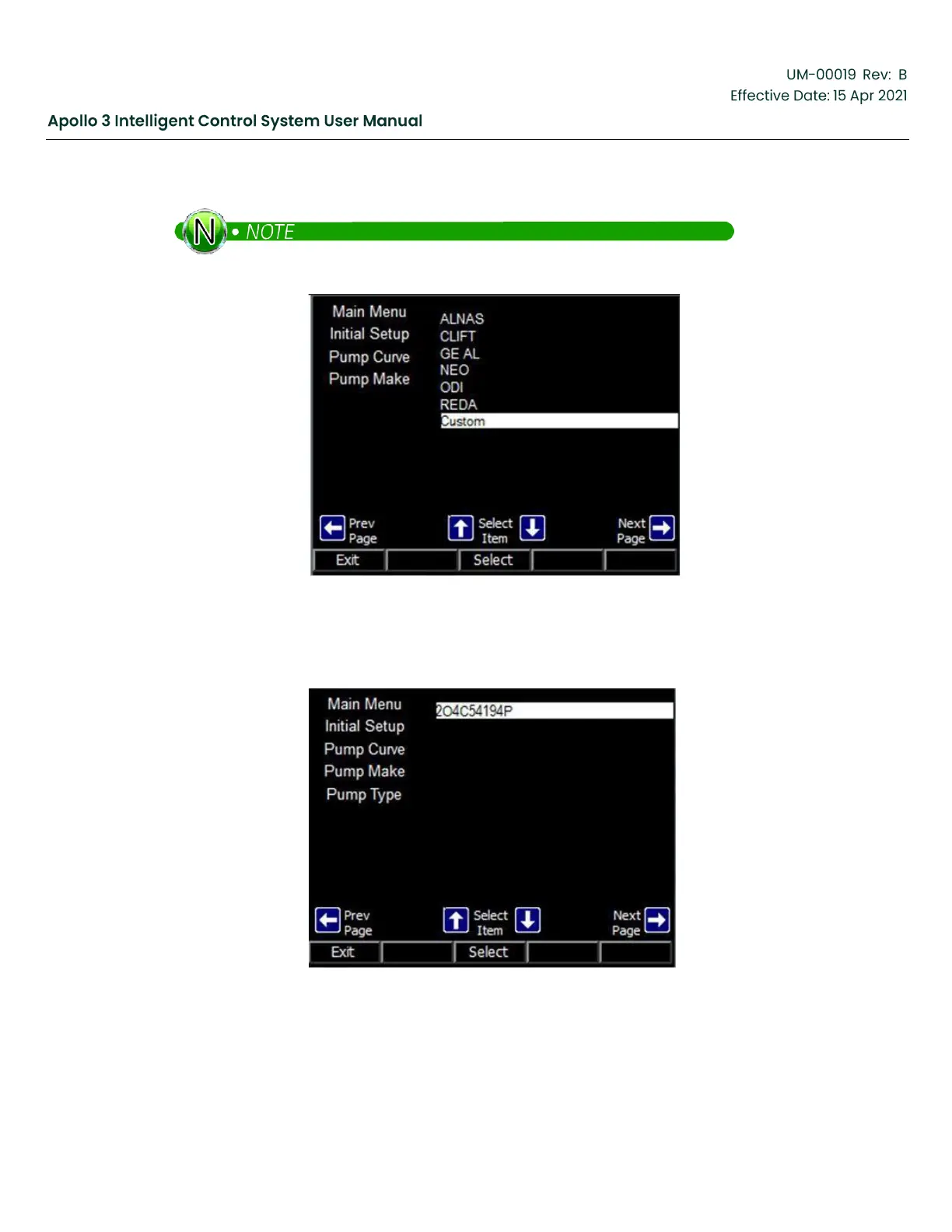
Highlight Custom and press the Select function button.
That Custom will not appear in the list if no custom pumps have been installed.
Figure 216: Highlight Desired Pump Screen
The Serial number of any custom pumps that have been installed will appear. Highlight the desired pump
and press the Select function button.
Figure 217: Final Custom Pump Screen
The custom pump has been selected.



 To Next Page