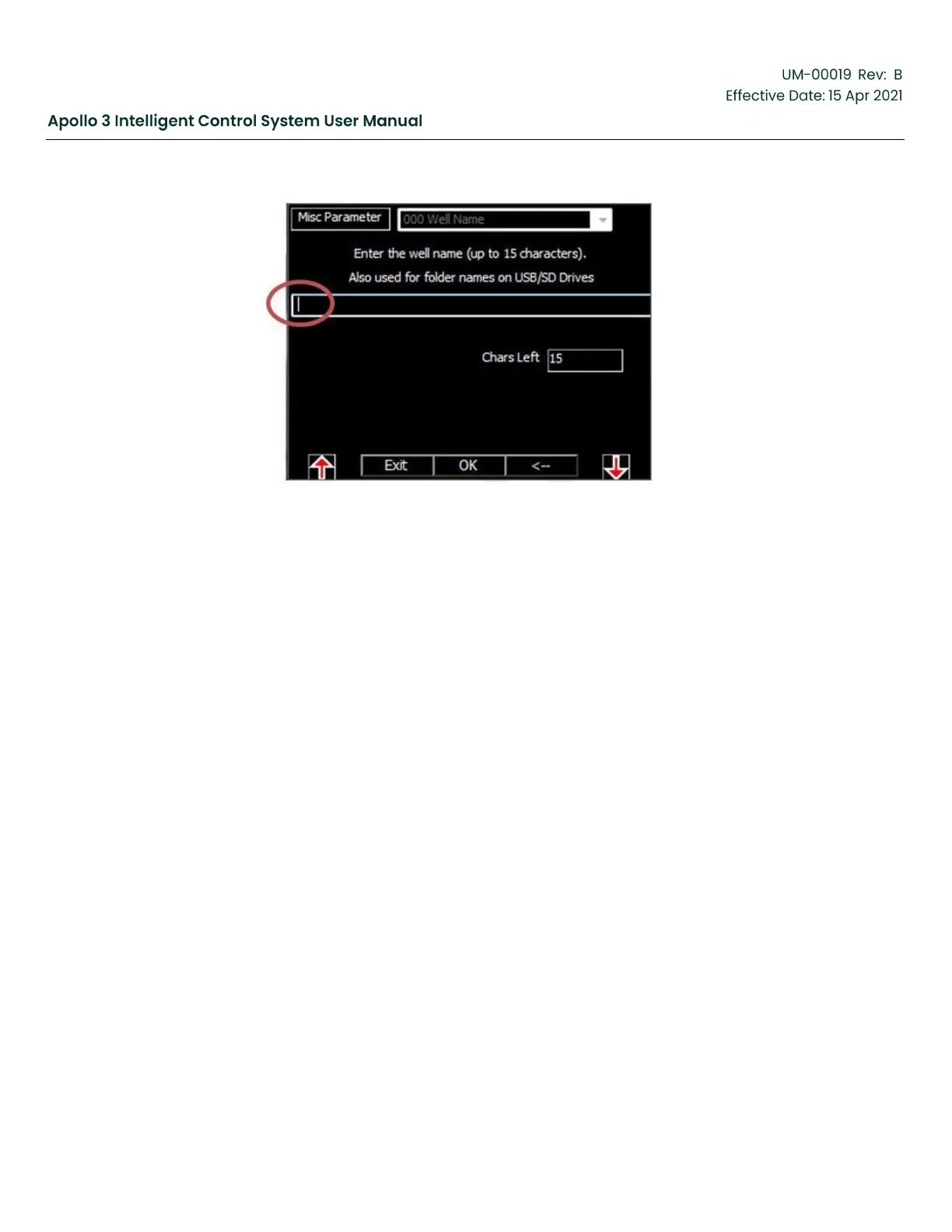
Figure 68: Set Well Name-Screen 1
Use the up and down arrows to change the character to the right of the cursor. Use the right and
left arrows to select different letters in the name.
•
Moving to the right of the name adds a character to the name.
•
Use the down arrow from a blank to access numbers and symbols.
•
Use the up arrow from a blank to access capital and then lower case letters.
•
Use the <- function button to delete the current character.
Also note that a USB keyboard can be used to ease name entry. Plug the USB keyboard into the
USB port on the front of the drive.
A wireless mini-keyboard is available from BH AL, Part Number 197705


 To Next Page
 Loading...