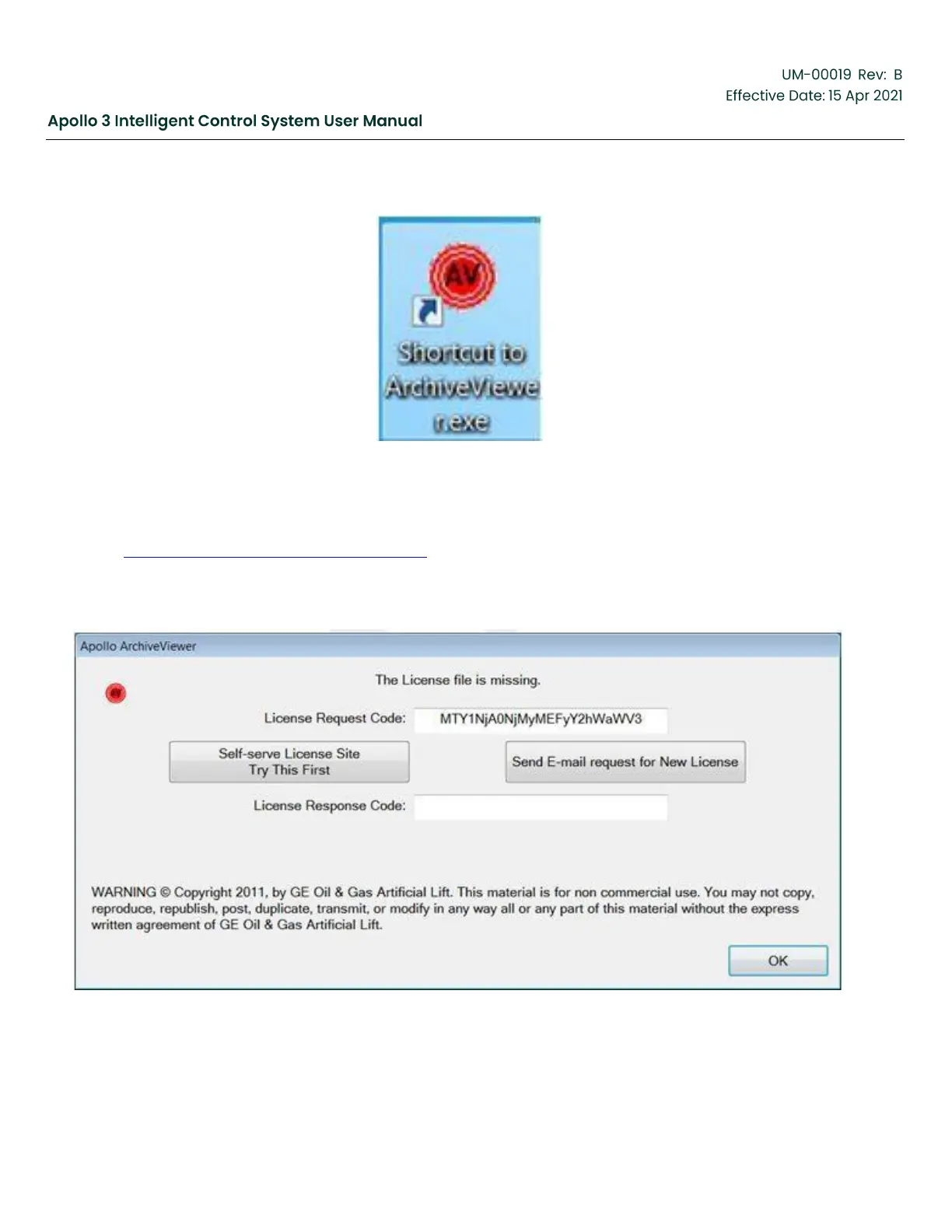
Figure 177: Desktop shortcut for Archive Viewer
Double-click on the icon to start the Archive Viewer. A dialog may appear informing you that the license
file is missing. If so, click the “Self-serve License Site” button and follow the instructions, otherwise skip to
Section 7.3 Importing Apollo Data, page 202. If you have problems with the self-serve site, click the “Send
E-mail request for New License” to create an e-mail request for a license. Send the e-mail. If you cannot
send the e-mail from the computer on which the Archive Viewer was installed, send the request code as text
to ApolloSupport@ge.com. Please do not send a screen shot or image of the request code.
Figure 178: License Request Code-Screen 1



 To Next Page