Copyright 2020 Baker Hughes Company. All rights reserved.
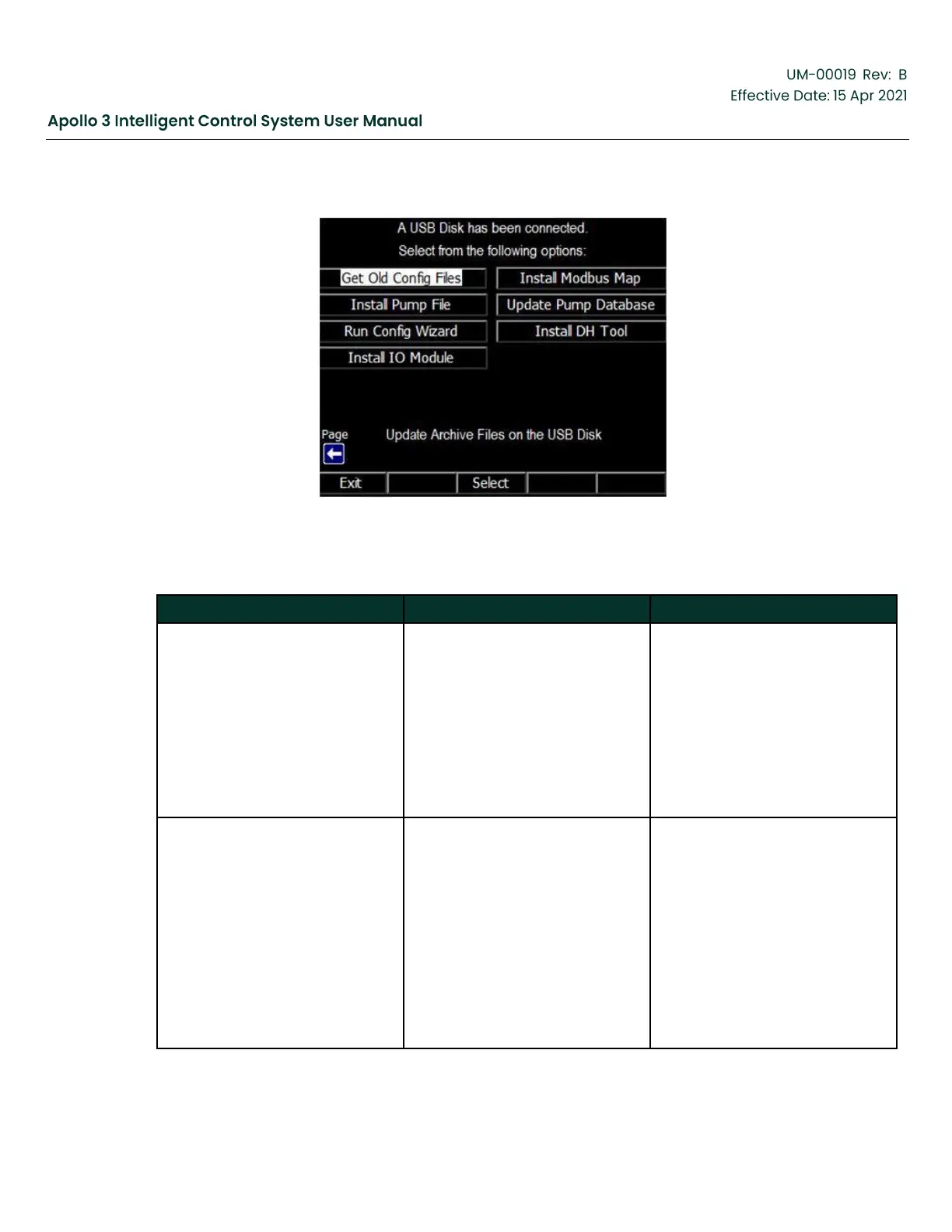
Figure 228: USB Menu-Screen 2
Table 68: USB Menu #2 Options
Backup files are created once
each day if a change has been
made to the Apollo configuration.
These allow the user to revert the
system to a previous configuration
using the System Restore menu.
This function allows the user to
save a backup file onto the USB
Flash drive. The Backup file is a
binary file and cannot be viewed.
*.map
(root level of the USB Flash drive)
Modbus remapping files allow the
Apollo to mimic other systems
when queried by a SCADA host.
The Apollo system includes
remap files for the Vector VII
and the CTI RTU Standard map.
The Install Modbus Map function
allows a user to install a new
Modbus remapping file onto
an Apollo system when one is
needed. Modbus remapping files
are binary and cannot be viewed.



 To Next Page