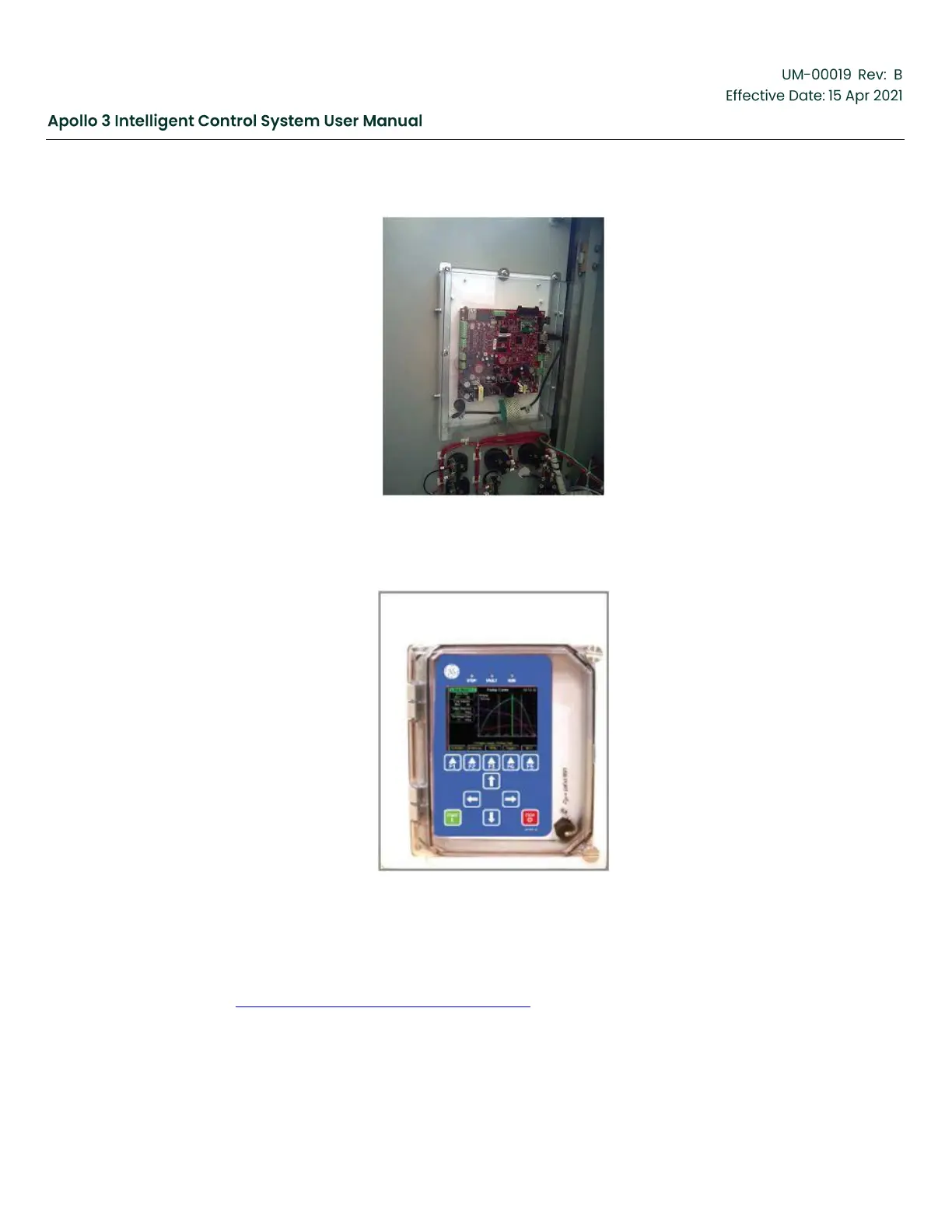
Figure 28: Clear Safety Shield Attached
6.
Install Window Kit on the outside of the enclosure.
Figure 29: Window Kit Installed
For applications where an Apollo HMI will be mounted into an existing Vector VII drive with the
old “Blue Box” HMI, use Part Numbers 810283, 810215, or 810286 (depending on existing
mounting arrangement) and follow the mounting instructions provided with those items. See
Section 3.3 Hardware Installation, page 49 to determine the appropriate part number.



 To Next Page