145
Internet (WAP) function
X Select the 3UR[\,3DGGUHVV entry.
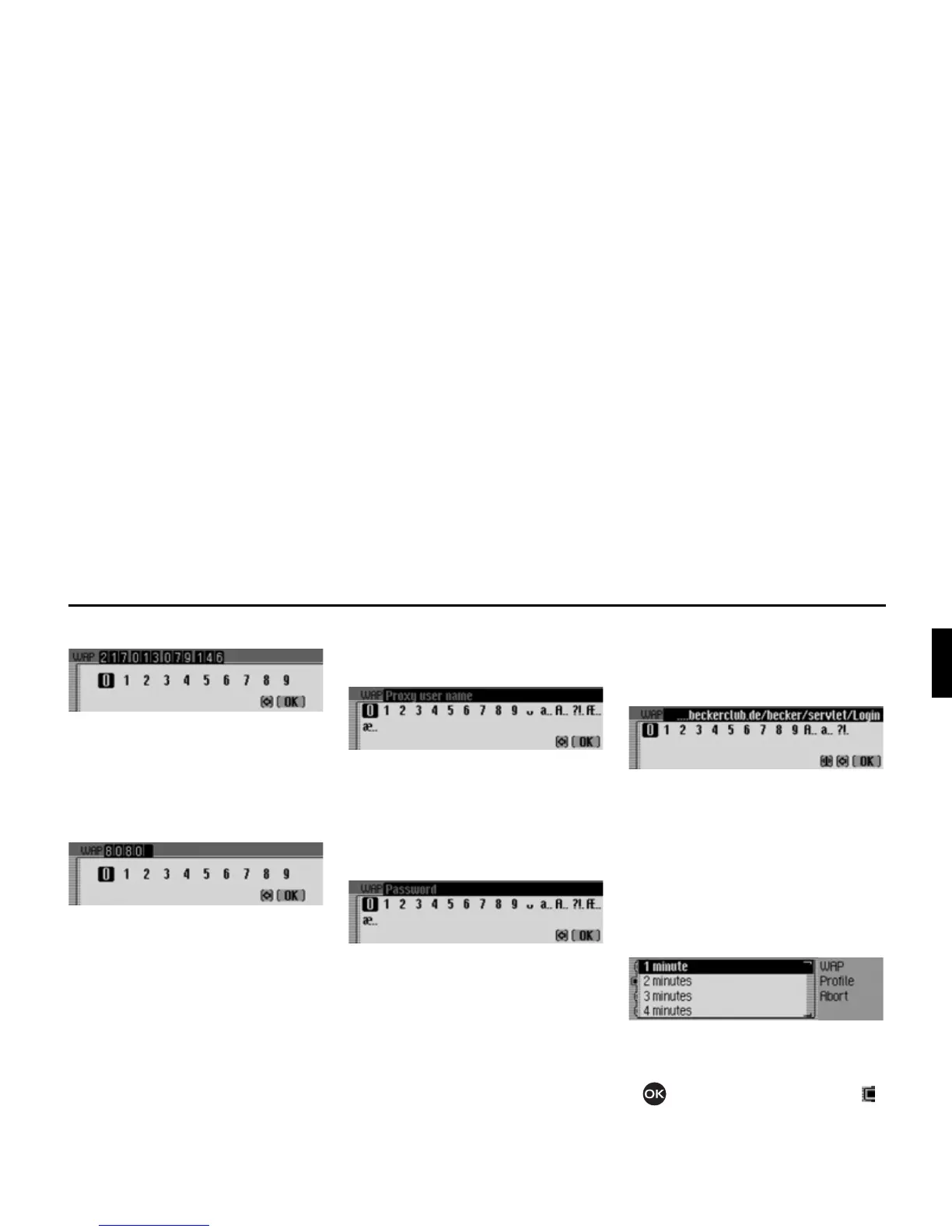
The input menu appears.
X Enter the information.
Proxy IP port
Here you can enter the proxy IP port.
X Select the 3UR[\,3SRUW entry.
The input menu appears.
X Enter the information.
Proxy user name
Here you can enter the proxy username.
X Select the 3UR[\XVHUQDPH entry.
The input menu appears.
X Enter the information.
Proxy password
Here you can enter the proxy password.
X Select the 3UR[\SDVVZRUG entry.
The input menu appears.
X Enter the information.
Home page
Here you can enter the provider’s home
page.
X Select the +RPHSDJH entry.
The input menu appears.
X Enter the information.
Time-out
Here you can set the duration of the
time-out for an inactive connection, af-
ter which the WAP connection will be
terminated.
X Select the 7LPHRXW entry.
The selection menu appears.
X Select the desired time.
X Turn the rotary control/push button
to activate the required time ( ).














 To Next Page